
 Add as a preferred source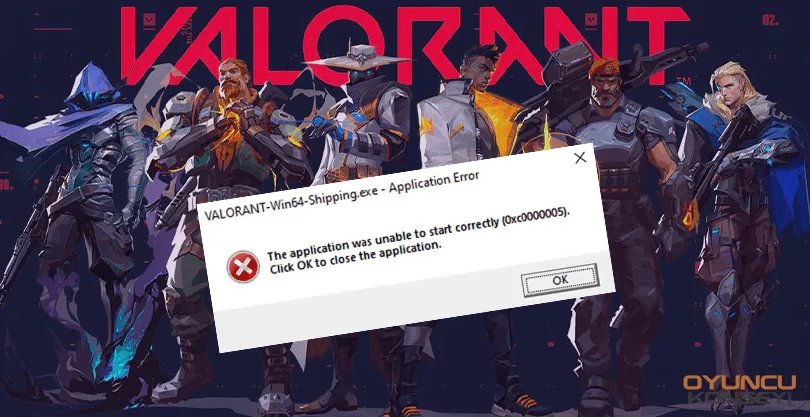
Players who update their computers to the Windows 11 operating system may encounter a wide variety of errors while playing Valorant or trying to play. Valorant Win64 Shipping ErrorI is one of them. This error is directly caused by the user. The solution is quite simple.
How to Solve Valorant Win64 Shipping Error?
Developed by Riot Games, Valoron is made much more stable with each update. Of course, some of these updates may not be compatible with the computers that players use. For this reason, players sometimes get in-game errors and sometimes they may encounter some errors while entering the game. The win64 error also occurs because the computer cannot run the game properly. This problem can be solved with a few simple settings changes.
First solution method Windows Defender Firewall To delete records related to Valorant and Riot from settings. After doing this, add a new entry and select Valorant.exe from the file where Valorant is installed. Restart your computer and try to enter the game.
If the above solution did not work, uninstall the video card driver completely and reinstall it. When i do this DDU (Display Driver Uninstaller) You can benefit from the program. Thanks to this program, you can completely remove both AMD and NVIDIA graphics drivers from the computer. Then download the latest graphics card driver and complete the installation.
You tried everything but if the problem is not solved, the problem may be in the integrity of the game files. If there is an incomplete or incorrect installation during an update, the Win64 Shipping.exe error window may appear. In this case, the best solution you can do is to remove the game from the computer and do a clean installation. Make sure your internet connection is stable when downloading the game from scratch.
You May Also Like: How to Fix Forza Horizon 4 Freezing
Valorant Win64 Shipping Error If the solutions we suggested did not work for you, please tell the Riot Games support team the situation. You can get a much more detailed solution suggestion from the support team. Error and Solutions When we share the content, you can join our free newsletter to receive notifications.