
 Add as a preferred source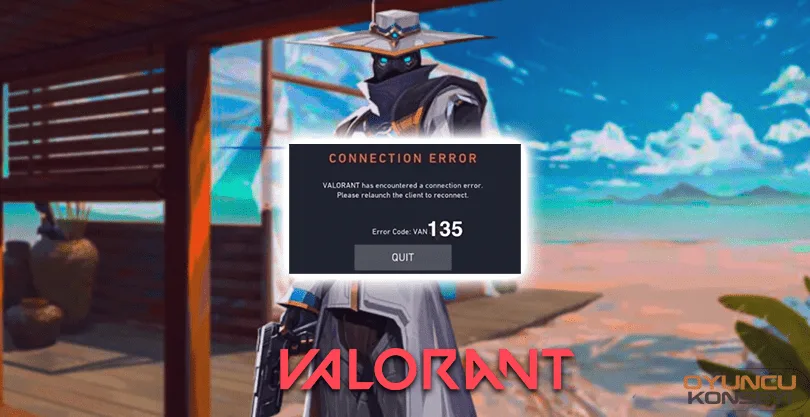
Riot GamesThe most common Van 135 mistake of Valorant's popular game, Valorant, causes many players not to enter the game. How to fix Valorant Van 135 errorI'm sorry. With our guide, we will talk about how this problem can be fixed briefly. Happy reading.
How to fix Valorant Van 135 error?
Suddenly in Valorant Valorant Van 135 Error There are alternative solutions for In some cases, this error is generally seen as a problem we experience with our computer, although it is related to the server of Riot Games. To fix this error, you should first try to restart Valorant. If your problem is not solved, Riot GamesYou need to check the server status on the website of . Other than that, there may be a problem with your internet. Here Valorant Van 135 Error How is it fixed? The answer to the question,
- First, we enter the Control Panel,
- Then we come to the Uninstall program section,
- After finding Riot Vanguard from here, right click and click remove,
- Then we open Valorant again and log into our account,
- Client, we ask and give confirmation from us for vanguard installation,
- Once Vanguard is installed, you can enter the game.
Valorant Van 135 Error We have included solutions that you can apply for By doing the above steps in order, you can fix this problem and continue your fun from where you left off. You have followed all the steps and there is no problem in the server state but still the problem persists Riot Games Support You can create tickets from the system. More valorant Error Solution and Game Guides You can subscribe to our newsletter for free.
You May Also Like: Pubg Mobile Microphone Problem