
 Add as a preferred source
Although the new game of the Forza Horizon series is out, some players continue to play the fourth game of the series. Forza Horizon 4 is much more stable than the new game. However, some players forza horizon 4 freezing problem can meet. The solution method we include in our content will completely solve this problem.
How to Solve Forza Horizon 4 Freezing Problem?
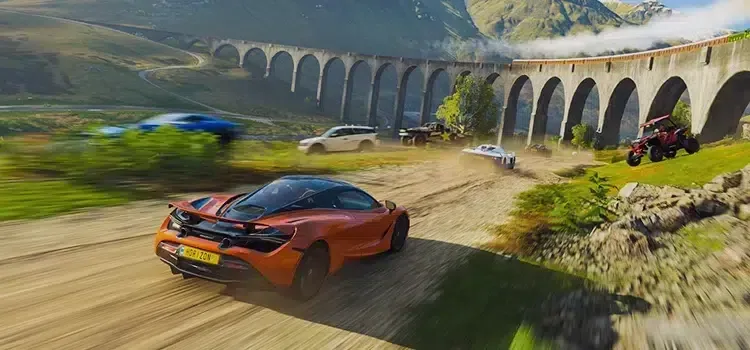
Developed by Playground Games, the Forza Horizon game series is loved by the vast majority of players. Thanks to the updates released for the fourth game in the series, players play smoothly at high FPS values. but NVIDIA graphics card Forza Horizon 4 The game of some of its players freezes and collapses. When you follow the steps below in order, you will have solved the freezing problem.
- First, download the previous version (522.25 version) of your NVIDIA video card driver to the computer.
- Then completely remove the current video card driver from the computer with DDU (Display Driver Uninstaller).
- Restart your computer and install the driver you downloaded and do not update.
- Verify Forza Horizon 4 game files and launch them in Admin mode.
After doing the steps in rows forza horizon 4 freezing problem will be solved. If there is a place that you cannot do, you can reach us in the comments section. For solutions to other problems encountered in games Error Solutions You can review the content in the category.
You May Also Like: How to Fix NFS Unbound Controller Issues