
 Add as a preferred source
Today, many players cannot play in high ranks due to the delay problem they encounter while playing Valorant. Players with high ping values fall back from their opponents because they cannot react instantly to the events in the game. In this article we will share Valorant Ping Problem Solution methods will ensure that the lowest ping value is obtained.
What Causes Valorant Ping Problem?
The ping problem that can be encountered in the Valorant game can occur for more than one reason. The main reason for this problem is that low-speed internet connection is shared by too many people.

Players using a VPN connection also play the game with high ping values. Opening background updates will affect fluency by destabilizing the ping value in the game. Besides all these Valorant Ping Problem It can also be caused by the game's own servers.
Valorant Ping Problem Definitive Solution Methods
- Check devices connected to the Wi-Fi network
- Stop updates
- Close VPN program
- Reset the modem
- Verify Valorant game files
- Prioritize Valorant
Thanks to the Valorant Ping problem solution methods above, you will be able to play the game fluently at the lowest ping values. Let's take a closer look at these methods!
Check devices connected to the Wi-Fi network
If you share low-speed internet with multiple devices Valorant Ping Problem It is quite normal for you to encounter Control internet usage of all devices connected to your modem.
If there are updates or downloads on different devices connected to the same modem, stop these processes. If no downloads are available, disconnect the other devices connected to the internet network you are using.
Stop updates
Players who constantly use the most up-to-date applications and drivers on their computers leave the automatic update setting turned on. If you are someone who is constantly updating, stop all updates after entering Valorant.
Make sure that Windows and Steam updates are stopped throughout the game. Thus Valorant Ping Problem You will disappear and you will continue to play the game without getting stuck.
Close VPN program
Many players are looking forHow to solve the Valorant Ping problem?"The answer he is looking for may be to turn off VPN. If your computer is installed on your computer, close the VPN program before connecting to Valorant servers.
Using VPNs significantly reduces internet speed. This causes you to encounter high ping problems in games. If you do not want to turn off the VPN program, you can choose programs that provide much better quality service.
You May Also Like: New World Kicking Problem and Solution
Reset the modem
If your modem is not automatically reset, problems may arise with your connection speed after a point because you use the same IP all the time. If you are using variable IP, you can reset your modem and assign a new IP.
Thus, you can continue to use the internet without any problems with the new IP. If you are a static IP user, you can contact your internet service provider and request a new IP assignment. We would like to remind you that you can do this every 24 hours.
Verify Valorant game files
In some cases, due to corruption in game files Valorant ping and delay issue can happen. If you encounter such a situation, verifying the game files will solve your job. We do not recommend dealing with anything else in the background when verifying game files. The completion time of the file verification process will vary depending on the hardware of your computer.
Prioritize Valorant
While Valorant is running, it can keep internet usage to a minimum due to background applications. By increasing the game priority, you can ensure that all resources on your computer are used for Valorant.
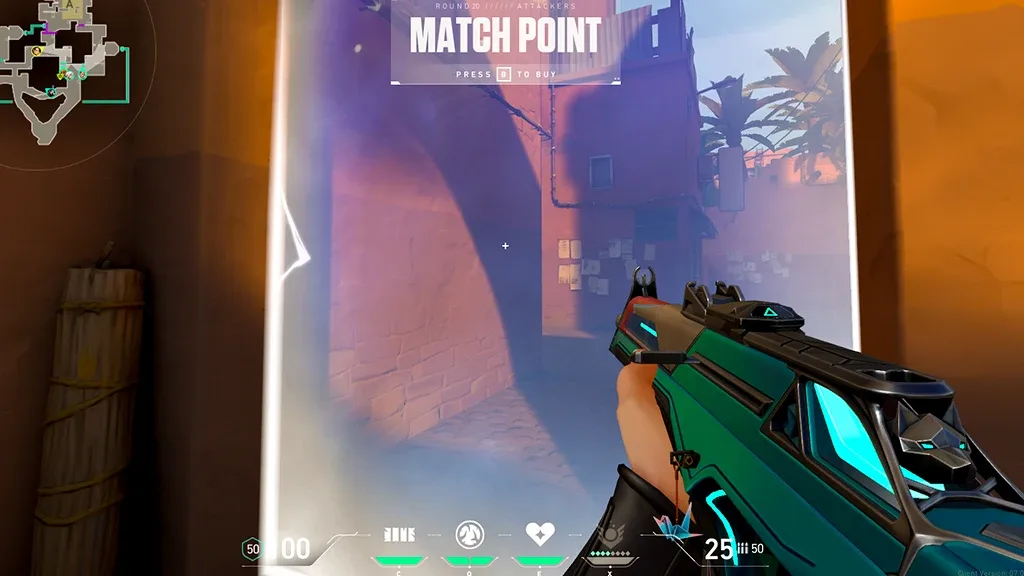
After entering the game, open the task manager and click on the details. Details page"valorant.exeAfter right-clicking on the app and clicking Assign Priority, change it to high or real time.
What should the Valorant ping value be?
Try to reduce the ping value as much as possible in order not to fall behind your competitors in Valorant competitive matches. Valorant ideal ping value It is between 10 ms and 45 ms. If you are pinging above these values, your movements will be reflected in the game with small delays. When you play on the Turkey server, you can have much more enjoyable encounters with the lowest ping values.
Result
In this article Valorant Ping Problem Solution We have shared with you all the methods you can apply for Apart from the solution suggestions we offer, if there are methods you know, you can specify them in the comments section.