
 Add as a preferred source

lately gta v online Some of the players closing problem began to live. This problem usually appears more often on players with good computer hardware. Although it seems like a very strange situation gta 5 online shutdown problem Players who encounter the .
gta 5 online shutdown problem solution
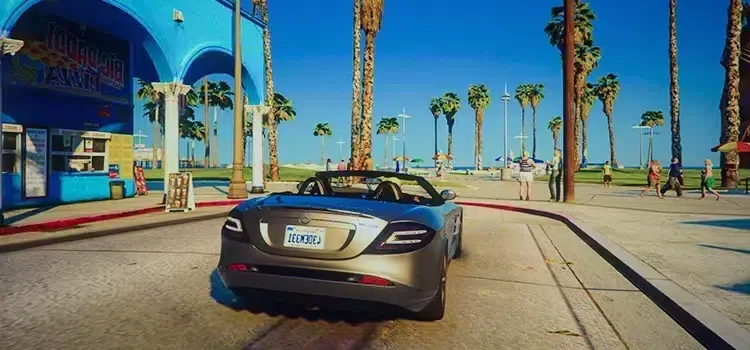
GTA 5 has been in the game world for almost 10 years. The problems were minimized thanks to the fixes presented in the updates prepared for the game. Although problems are fixed with each update, some players continue to encounter problems. Players with very good computers can close their games because they are at the highest level. The following gta 5 Graphics settings closing problem will be the solution for.
- Population Density: reset
- Population Variety: reset
- Distance Scaling: reset
- shader quality: medium
- Shadow Quality: Normal
- Reflection Quality: medium
After changing the above settings, you can restart the game. We recommend that you close everything and verify the game file integrity before rebooting the game. Thus, faulty files will be repaired and the problem of closing will be eliminated.
You May Also Like: How to Fix High Ping in Valorant
gta 5 online shutdown problem These are what you can do for. If the game is still closing despite doing all these, you can contact us in the comments section. if you wish Gta 5 fps boost You can learn what you can do to play the game more fluently by browsing our guide.