
 Add as a preferred source
Although the game is more stable thanks to the updates for GTA V, some players have FPS problems. We will include in this guide Gta 5 fps boost methods will help you play the game fluently. Without further ado, let's move on to the methods.
What are the GTA 5 FPS Boost Increasing Methods?
The Grand Theft Auto series brings sound all over the world. With its graphics, gameplay and story that marked the period they came out of, they are the favorite of the players every time. GTA 5 had a magnificent structure like other games in the series and was constantly updated and improved.
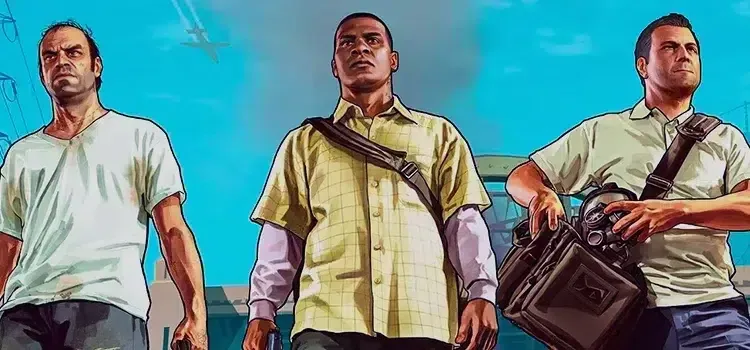
At the moment, many players can play the game without any problems. However, there are also players who experience FPS drops and stutters from time to time. The following gta v fps boost You can play the game comfortably by following your suggestions.
Change Gta 5 Graphics Settings
The best way to increase the FPS value in the game is to change the in-game graphics settings. Especially if you don't have a strong video card, you can get a serious FPS increase by changing the in-game settings.
- fxaa: Ten
- msaa: off
- vsync: off
- Pause Game on Focus Loss: off
- Population Density: pull to zero.
- Population Variety: pull to zero.
- Distance Scaling: pull to zero.
- Texture quality: Normal
- shader quality: high
- Shadow Quality: Normal
- Reflection Quality: high
- Reflection MSAA: X2
- Water Quality: Normal
- Particles Quality: Normal
- Grass Quality: Normal
- Soft Shadows: sharp
- Post FX: high
- Motion Blur Strength: disabled
- Anisotropic Filtering: off
- Ambient occlusion: high
- tessellation: off
After making the above settings, the increase in FPS may vary depending on the quality of your screen screen.
You May Also Like: Diablo 4 Barbarian Guide: How to Play? What Are Their abilities? (Detailed explanation)
Use GTA V FPS-increasing mod packages
If you haven't been able to get a lot of FPS increments after changing a few settings, you can use mod packs that change graphics and lighting. Gta 5 fps boost You can at least play the game, even with very bad graphics, by using very successful mod packs. However, we do not recommend installing every mod package.
GTA 5 File Verification
There have been a lot of updates since the game was released. When you install these updates with an unstable internet connection, some files may be installed incorrectly. To fix this, you can verify the game files or do a clean install. Thus, you can ensure that all files are loaded correctly.
Result
All we know Gta 5 fps boost We explained the methods. By trying these methods, you can play the game at high FPS values. To learn how to set up GTA 5 playlists where you can have fun with your friends after having a fluent gaming experience OyunKonsei.com/GTA-5-playlist-creating/ You can click the link.