
 Add as a preferred source
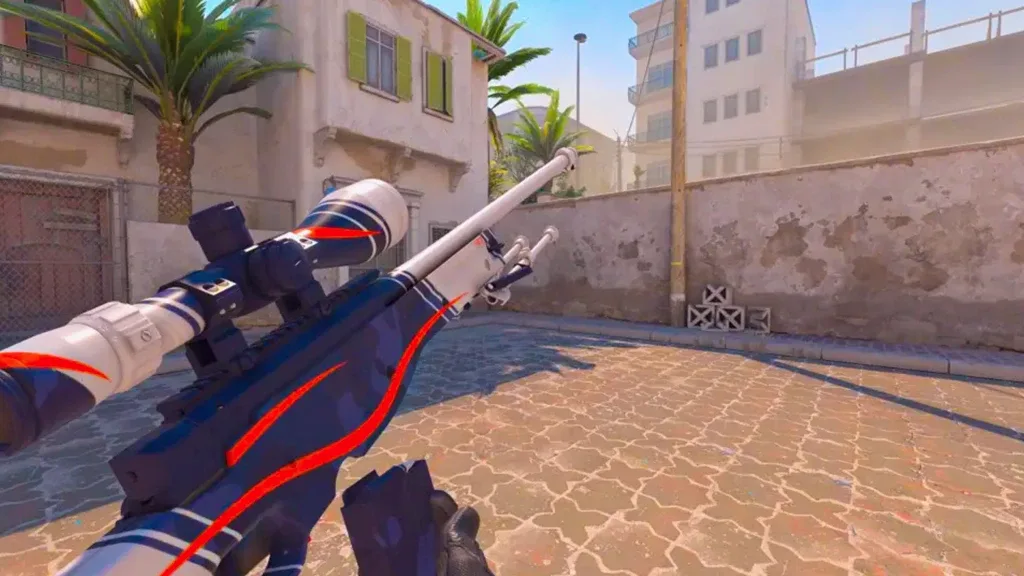
In Counter-Strike 2, a skin’s float value, also called its wear rating, is a number that helps determine how worn the finish appears. Players and traders use the exact float alongside the skin’s condition, pattern, rarity, and market demand when comparing items.
What Is a CS2 Float Value?
Float values are generally expressed on a 0.00-to-1.00 scale. Lower values correspond to cleaner-looking wear, while higher values generally show more visible wear. The value is assigned to the skin instance and does not gradually increase just because you use the weapon in matches.
Not every skin can roll across the entire 0-to-1 range. Some finishes have their own minimum and maximum float limits, which is why certain skins may not exist in every wear condition.
CS2 Float Ranges
- Factory New (FN): 0.00 to 0.07
- Minimal Wear (MW): 0.07 to 0.15
- Field-Tested (FT): 0.15 to 0.38
- Well-Worn (WW): 0.38 to 0.45
- Battle-Scarred (BS): 0.45 to 1.00
A lower float inside the same condition can still matter. For example, a Field-Tested skin near 0.15 may look noticeably cleaner than one close to 0.38 even though both carry the same condition label.
You May Also Like: Minecraft Cake Making Guide! What Is the Simplest recipe? How Is It eaten? DETAILED EXPRESSION
How to Check a CS2 Skin’s Float
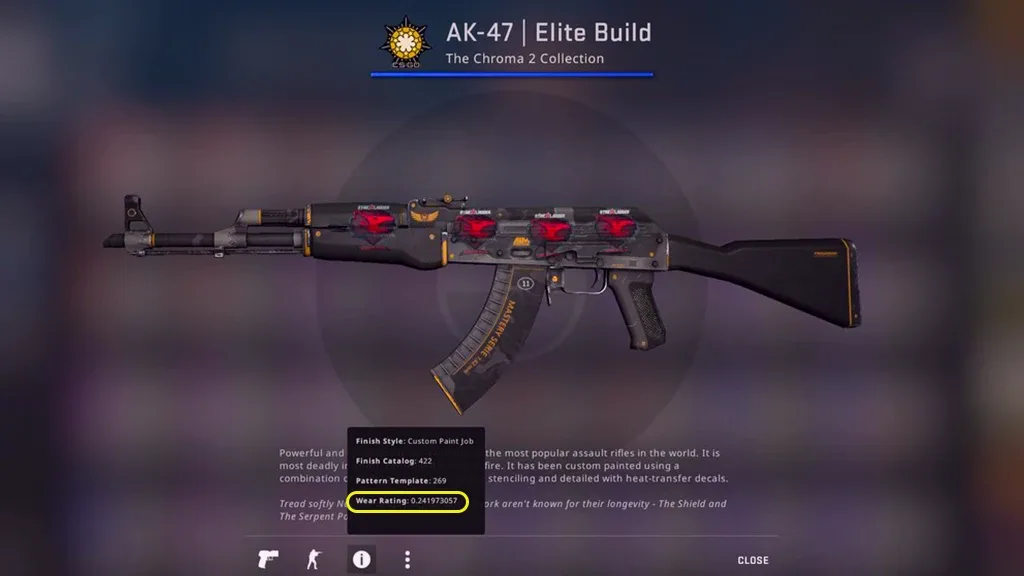
When inspecting a skin, open its item details and look for the wear rating. If you are browsing a marketplace, use the item’s inspect option when available so you can compare the exact float rather than judging only by the exterior label.
Does a Lower Float Always Mean a Higher Price?
Not automatically. Float is important, but price can also depend on the skin itself, pattern index, stickers, rarity, market supply, and collector demand. Use float as one part of the valuation rather than the only factor.
If you trade skins, compare multiple listings with the same finish and similar float values before deciding what a specific item is worth.
For more CS2 and gaming help, browse our Guides.