
 Add as a preferred source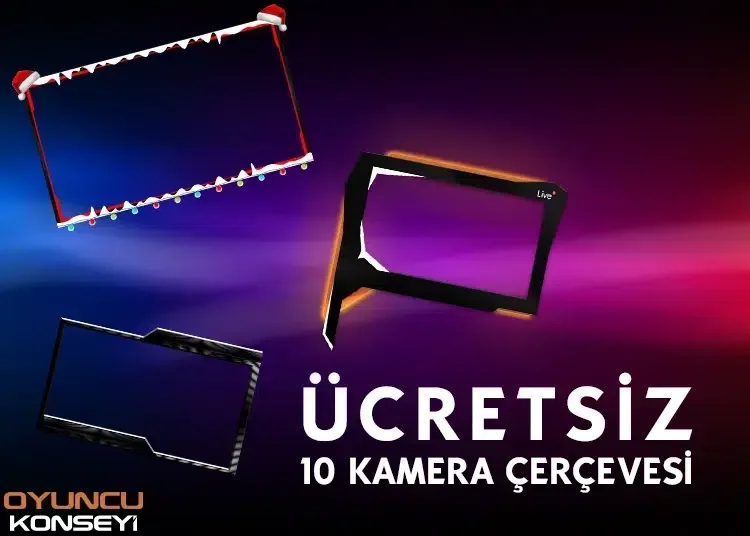
Used by publishers or other video creators Top 10 Camera Frames. They are all beautiful and free. Thanks to these frames where you can add visuality to your publications or videos, you will be able to make a more professional presentation.
What is the camera frame?
Even if a large part of it knows the answer to this question, we think that people who have just started broadcasting or video content production do not. To briefly explain the camera frame,
Especially people who produce game content or broadcast live put their own snapshot in a certain corner of the screen. In this way, the content looks a little more professional. Viewers, instant reactions of the broadcaster, etc. They can see it live. This is where the camera frame comes into play. Instead of giving your own image on the screen directly, presenting it with a frame that surrounds it will contribute to your content looking more beautiful.
How to use the camera frame?
OBS Or use one of the images we share below by adding a new source in similar programs. Adjust the size of the frame that appears on the screen first. Then fix your camera inside that frame with the video capture device.
If the frame is under the camera, all you need to do is move the camera frame from the resources section to one top. The camera frames are divided into two as movable and immobile. All of the frames we share in this guide are motionless. So they have the .png extension. So when adding the frame, you can add it as a normal picture.
You May Also Like: What Is StreamLabs OBS? How Is It used?
Free Top 10 Camera Frames
To download these frameworks that we have presented in bulk, let's first click on the link below:
Download link: https://s6.dosya.tc/server19/1nwu7b/Ucretsiz-Kamera-Cerceveleri.zip.html
Examine the frames in the compressed file. Choose the best frame that appeals to your broadcast colors and to you. Then, thanks to the explanation we made above, you can easily place it in your content. You will now make a more professional broadcast. If you are a video shooter, other on our site streaming You can take a look at the topics.