
 Add as a preferred source
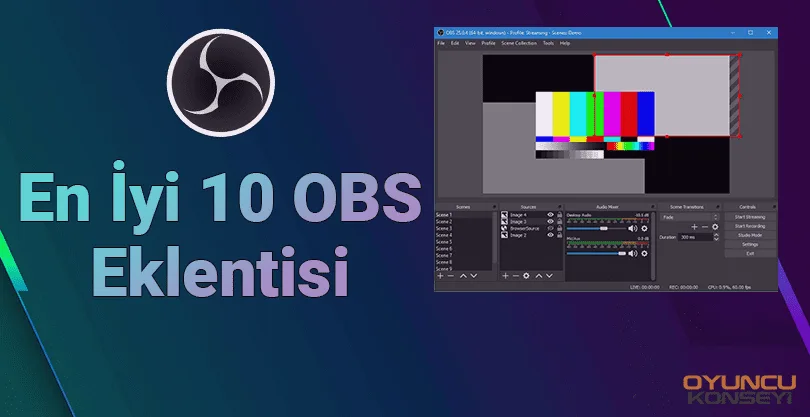
Internet broadcasting has begun to become one of the popular occupational groups of today. There are many programs that those who want to broadcast can choose. Among the broadcast programs, there are also many plugins for the most rooted and stable OBS software. Ok then Top 10 OBS plugins What is it?
There are many add-ons that will enrich your broadcast and allow you to make a viewing pleasure for your audience. Move Transition, Spectralizer, Transition Table, Stream FX, Media Controls, VirtualCam, OpenVR Input, Bongobs Cat, Browser Plugin and Advanced Scene Switcher Plugins Top 10 OBS plugins is included in.
Top 10 OBS plugins
For the audience to enjoy the broadcast more, many OBS You can use the plugin. Below you can find the most used and popular plugins so far. You can make your content enjoyable by trying these plugins yourself.
Move Transition
En Best 10 OBS plugins We should write this plugin in the first row. While broadcasting, you will create 2 or 3 scenes in the background. Visually improving the transitions between these scenes Move Transition plugin from here You can download.
spectralizer
You can turn on music in the scene where you are switching while you are taking a break from the broadcast. Of course, make sure that this music is royalty-free. spectralizer Thanks to the plugin, you can visually add the equalizer bars in this intermediate scene. Spectralizer plugin that you can make compatible with music from here You can download and try.
Transmission Table
Another plugin where you can use switching between scenes. But Transition Table Plugin You can set custom transition times and effects between all scenes. Very useful Transition Table plugin from here You can download. Top 10 OBS plugins It is an add-on that you should definitely choose.
Stream FX
If you are a camera broadcaster, this plugin is for you. Blur to your camera, extra lighting, etc. Adding visual effects such as Stream FX plugin from here You can download. It also allows you to change the shape of your camera in 3D.
Media Controls
You May Also Like: How to Open Live broadcast? (Detailed explanation)
You can use the OBS Media Controls plugin both while broadcasting and recording. You can easily control the music and sounds playing in the background during broadcasting or video recording. Media Controls plugin from here You can download.
virtualcam
Skype, Zoom etc. If you are broadcasting with guests through programs OBS VirtualCam Plugin It will make your job easier. You can easily broadcast the cameras opened in different programs. Other than that, if you don't want a reverse camera, you can use the virtualcam plugin again. from here You can download it and use it.
OpenVR Input
It is a plugin that VR broadcasts should definitely use. OpenVR Input Plugin VR combines the right and left eyes on your device and broadcasts them as a single image. OpenVR INPUT plugin from here You can download.
Bongobs Cat
Do you want to double the fun of your broadcasts? OBS BONGOBS CAT Plugin It may be the solution you are looking for. Bongo Cat makes every button you press during the game and every mouse you make with you. Bongobs Cat plugin from here You can download.
browser
In its simplest form, the Browser plugin allows you to add website source files to OBS software. Browser plugin from here You can download and test.
Advanced Scene Switcher
It is the most detailed scene changer plugin ever released. Special effect, transition time, music, etc. to each scene transition. You can add very detailed things like Advanced Scene Switcher plugin from here You can download.
Above Top 10 OBS plugins You can increase the quality of your publications. However, we recommend you to use the most up-to-date versions of these plugins. So OBS With the software, you can broadcast more stable and smoothly.