
 Add as a preferred source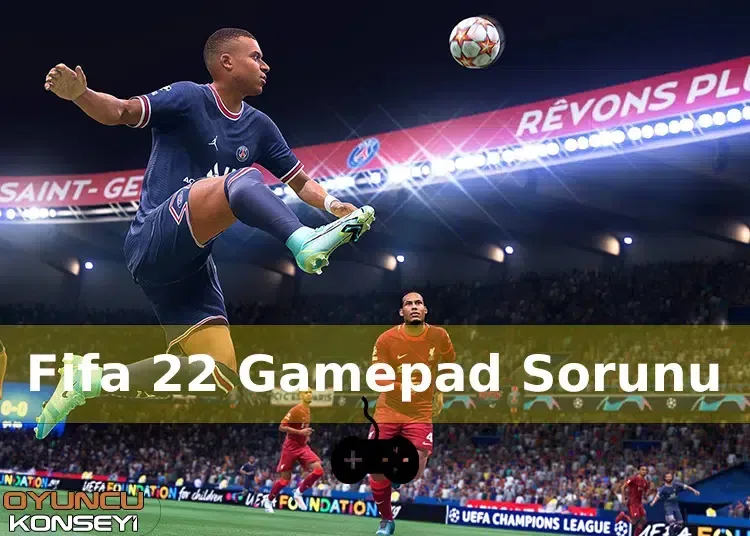
FIFA game series is loved by millions of players around the world. One of the reasons for this is that there are very few problems in the game. Although the game is without any problems, some players may encounter unexpected errors. FIFA 22 Gamepad Problem And one of them. So what can be done to solve this problem?
FIFA 22 Gamepad Problem Solutions
Most of the football games are played very easily with the gamepad. You can make the fine movements that you cannot do with the keyboard and mouse very comfortably with the help of the controller. FIFA game series support gamepad produced by different brands. However, some, if not the majority of players, have problems introducing the controller they use to the game. Users in such a situation can try the following solution suggestions.
- Check gamepad link
- If you are using a wired gamepad, check the connection with the computer. If the USB ports are not fully seated, the computer will not recognize that device. Remove the device from the computer and insert it into a different USB port. Thus, you will introduce the device correctly.
- Change FIFA 22 Steam settings
- from the steam library FIFA 22 Right-click on the game and open the Properties window. Open the Controller tab and change it to Enable Use Default. Then close Steam and run it as administrator. After changing this setting, you can use the controllers you have connected.
- Make sure that the Steam controller settings are made correctly
- Open the Controller page in the Steam program in the Settings section. Click the General Controller Settings button in the section that opens. Then mark the ticks next to the controller you will use. If you are using one of the Xbox controllers, you can install the drivers here.
- Use the gamepad you created profile
- Use whatever gamepad you created for the first time in the game. So you can have a smooth FIFA 22 experience.
FIFA 22 Gamepad Detection Problem We have given the solution suggestions you can try for the above. If the solution suggestions are not enough to solve the problem, the controller you receive may not be supported by the game. In this case, you can buy a more up-to-date controller. Error and Solutions You can sign up for our free newsletter to be informed about our content.
You May Also Like: How to Uninstall Fallout 4 Next Gene update? Rollback Method to Previous version!