
 Add as a preferred source
The players are eagerly waiting for fallout 4 next generation updatepublished last week. This update, which includes various improvements, was not liked much because it is incompatible with many of the mod packs developed by the players. In this guide, the players are curious about "How to undo the Fallout 4 Next Gene update?We will explain the answer to the question in detail.
What are the changes that come with Fallout 4 Next Gene update?
This update includes a number of improvements that make the game look better on different platforms (Xbox and PlayStation), optimization efforts for stable performance, and some innovations. Fallout 4 next-generation update brings support for 60 FPS in 4K resolution on Xbox and PlayStation game consoles.
When the performance mode of the game is activated on Xbox and Playstation platforms, it is possible to play in 4K resolution quality by targeting 60 FPS. In quality mode, ultra graphics settings are preserved and 30 fps and 4K resolution can be played.
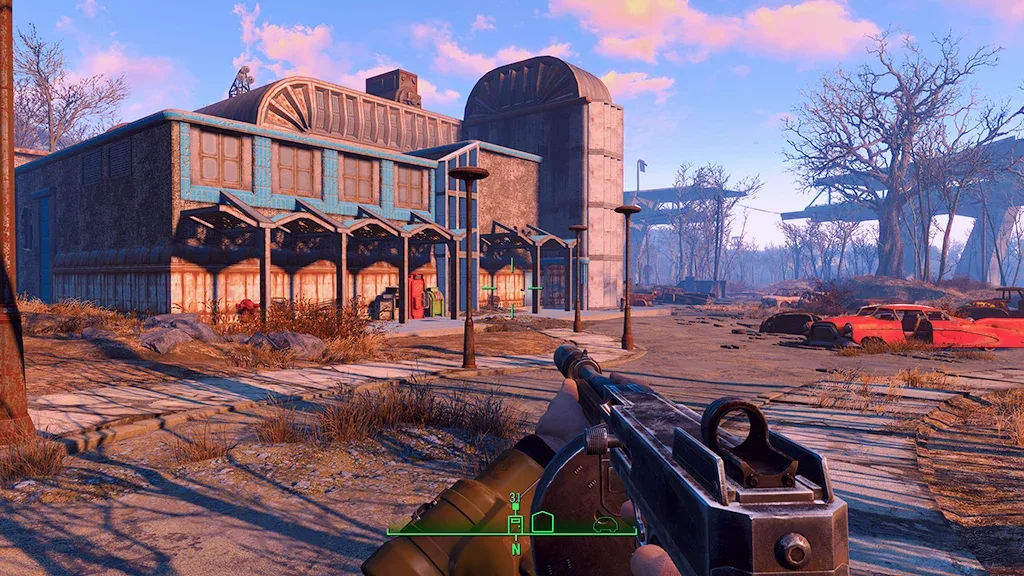
When played with a monitor with a refresh rate of 120 Hz, the quality mode will target 40 fps. In addition, when the 1440p resolution monitor is connected, the game will be 60fps in ultra graphics quality.
Although these improvements made most console players happy, they were disappointing to the players who played the game with various mod packs on the PC. Mods set up by players Fallout 4 Next Gene Update Then it started to break down and not work. So, how to get the next generation update back?
How to undo the Fallout 4 Next Gene update?
- First you need to activate the Steam console.
- To enable the Steam console, first right-click Steam and click "Specificationsopen the " window.
- On the screen that opens, in the target box, the quotation marks "Out of the quotation mark"-ConsoleAdd the " command and click the OK button.
- located where the game is installedDataEnter the " folder and ccbgsf Delete files that start with.
- After deleting the files, run the Steam application andConsoleClick on the " menu.
- Copy the following code lines in order and paste them into the Steam console. You have to wait for the download to be completed before moving to the other code.
- download_depot 377160 377162 584752929232406005096
- download_depot 377160 377161 7497069378349273908
- download_depot 377160 377163 5819088023757897745
- download_depot 377160 435880 1255562923187931216
- When the downloads are finished,Steam\Steams\ContentYou can access the downloaded Depots by following the file path.
- Finally, copy all the downloaded Depot files and paste them where Fallout 4 is installed. Confirm all if they want to change existing files during this process.
When all the above steps are applied in order Fallout 4 Next Gene update undo The process will be completed without any problems. You can use various modes to prevent the game from being updated again, or you can turn off automatic updates on Steam.
You May Also Like: Monster Hunter Rise D3D Error Solution
Result
In this content How to get Fallout 4 Next Gene update back We shared the answer to the question in all details. If you encounter an error while uninstalling the update, you can contact us in the comments section. Also for Fallout 4 cheats and console commands that make the game more enjoyable and easy playerkonseyi.com/fallout-4-cheats-and-console-commands/ You can click the link.