
 Add as a preferred source
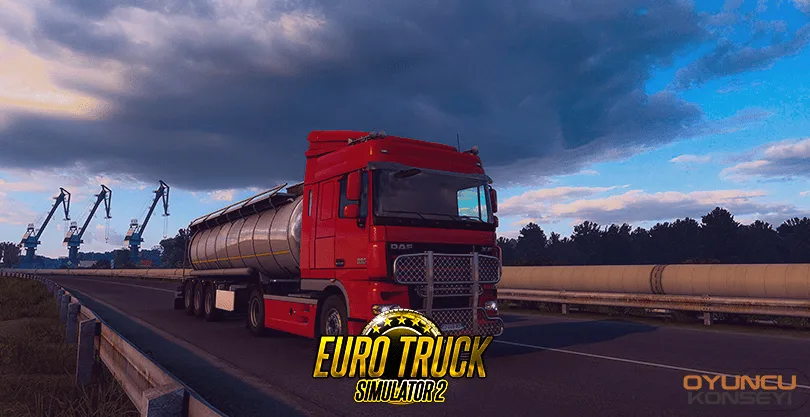
Trucking Simulation Euro Truck Simulator 2 is still played by many players, although it is an old game. We can say that ETS 2 is a game without any problems in general. But some players ETS 2 Cloud Sync mismatch error they can meet. Players who encounter this error can save their careers by following the steps below.
ETS 2 Cloud Synchronization Disaster Resolution
SCS Software The Euro Truck Simulator game series developed by the world is a simulation game that has been played a lot around the world. At first, the players carry heavy loads from one point to another with the vehicles given by the companies in the game. While carrying cargo, it is necessary to go in accordance with the traffic rules of the countries. Otherwise, you may be fined and suffered a loss. By delivering the cargoes without any problems, you can first buy your own truck and then your own hangar. You can register your game career on Steam cloud servers. Thus, the effort you spend will not be wasted. Euro Truck Simulator 2 To find out if the developments in the game are recorded on the cloud servers,
- Click on the "Steam" text at the top left of the Steam program and enter the settings.
- Open the Cloud tab from the left menu and "Enable Steam Cloud Sync in supporting applications." Click the box next to the text.
- Then right-click on Euro Truck Simulator 2 from your Steam library and open the Properties window.
- In the General Settings section, click the Steam Cloud section. Now, your developments in the game will be saved on the cloud servers.
When you log in from a different computer with your Steam account, you can transfer the developments in your ETS 2 career to that computer. Even if you back up your game files to Steam Cloud without any problems, you may encounter the Cloud Sync mismatch in some cases. You will see in this window"download to this machineYou can continue your career on Cloud by pressing the " button. ETS 2 Cloud Sync mismatch The solution to the problem is that simple. We will prepare for other games Error and Solutions You can sign up for our free newsletter to receive notifications from their guides.
You May Also Like: How to Fix Black Myth Wukong Not Launching