
 Add as a preferred source
Discord is used as the most popular free voice talk program of recent times. Users can customize their Discord accounts as they wish. Most of the players who can customize their accounts much more with new updates Discord Animated PP He likes to use. We can say that the reason for this is that they look different from other users by using Discord cool PP.
How to make Discord Animated PP?
The most used discord program by players is being made much better with regular updates. There are currently many customization options available compared to the first times of the application. For example, before make discord gif pp It took a lot of effort, but now it can be done quite simply.
make discord moving pp Players who want can complete this process quickly by following the steps we will describe in order. First, log in to your Discord account through the application. Click on the gear at the bottom left and enter the "Nitro" tab. On this page, click the "Subscribe" button. Select one of the monthly or annual subscription type from the small window that opens and complete the payment. After confirming the payment make discord animated gif pp You will have the necessary nitro uploaded to your account.
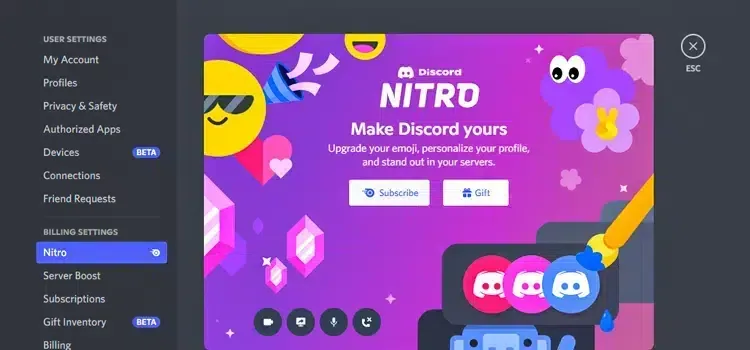
If you have completed the above procedures without any problems, you will now use it in your profile. Discord GIF PP We are at the selection stage. The best site you can use here will be tenor. You can find plenty of GIFs on tenor. Download the GIF you found in Tenor to your computer. Then enter your Discord user profile. Click on your current avatar and select the GIF you downloaded. Now you set the new Discord animated profile photo You can participate in conversations.
You May Also Like: Hades Startup Guide and Tips
Discord Animated PP It's that easy to do. If there is a place that you cannot do, you can specify it in the comments section. So we can help you quickly. If you want to listen to music on the servers you enter discord music bot You can take a look at the topic we have prepared for