
 Add as a preferred source
World of Warcraft players prefer to use Addons developed by other players rather than playing the vanilla version of the game. Thanks to WoW mod packages, a much richer gaming experience can be obtained. we prepared Wow Addon Installation Guide Thanks to this, you will be able to make a smooth installation.
What is wow addon?
called Addons WoW Mod PacksIt allows some data in the game to be presented to the players. Examples of this are WOW Addons packages showing the duration of the attacks to be made by the bosses in the dungeons. Of course, this is just an example, there are also addons that change the HUD of the game and make it more useful.
We want to make an important reminder. Mod packs are not officially developed by Blizzard. So all of these are prepared by the players and most are not against the rules of the game. For this reason, your account will not be banned due to the addon you will install.
WoW Addons Installation Guide
Many players wow addon upload may have problems at the stage. Players, who are very new to installing Addons, may encounter problems after installation because they are missing something. You can make a smooth installation by following the steps below in order.
Step 1: Install CurseForge app
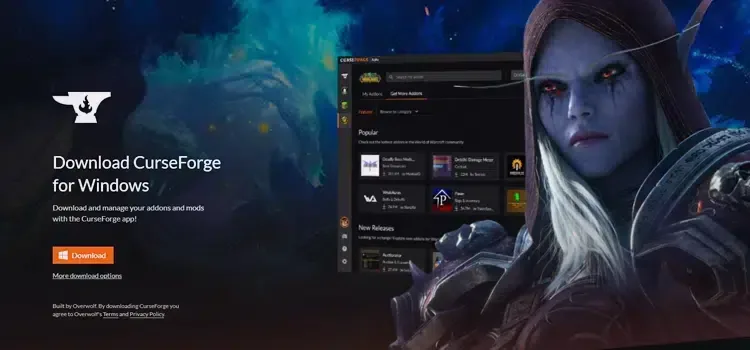
If you haven't heard of Curseforge before, let's make a little introduction. CurseForge is an application where you can find and install mod packs prepared for many games. You can install the mods here quite easily. Download the application from its website and complete the installation.
Step 2: Select World of Warcraft from the app
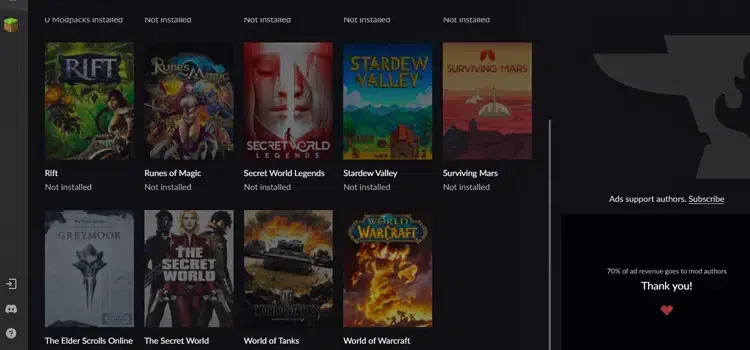
There are mods for many games in the application. After completing the installation, select World of Warcraft. Then go to the "Get More Addons" tab. Here you will see the popular and newly released Wow Addons. You can also find and download your own addon from the search field above.
You May Also Like: Lost Ark Island Quests for Tier 1, 2 and 3
Step 3: Proceed to WoW Addon Installation Process
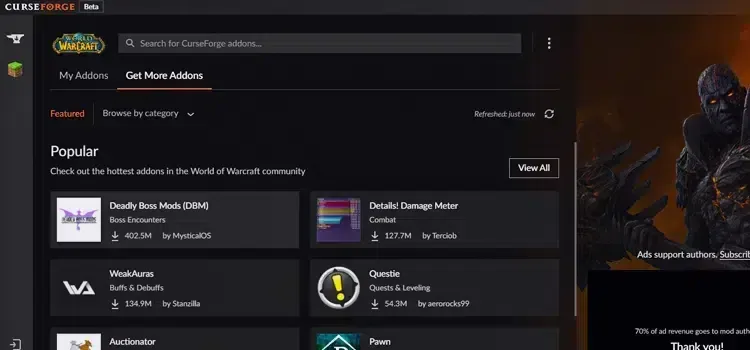
After you find the addon you want to install, you can now proceed to the download. All you have to do in this step is to press the Install button and wait for it to load. WoW Mod Packs They are loaded very quickly because they are low in size. You can see the addons you have installed from the My Addons tab.
Step 4: It's Time to Enabling WoW Mod Packages
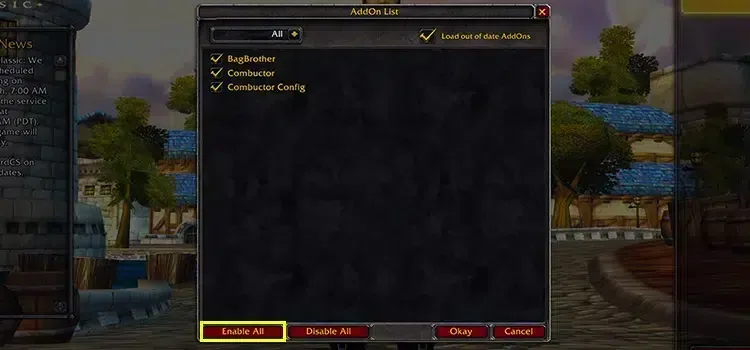
After installing the addons you want, you need to activate them from the game. On the character selection screen, press the Addons button at the bottom left. Click all the addons here and press the Enable All button. Then press the OK button and close this window. Now you can play the game with the WoW addons you downloaded.
wow addon upload We were here with the guide. If you have any problems during the installation, you can contact us in the comments section. More Game Guides You can browse the relevant category for.