
 Add as a preferred source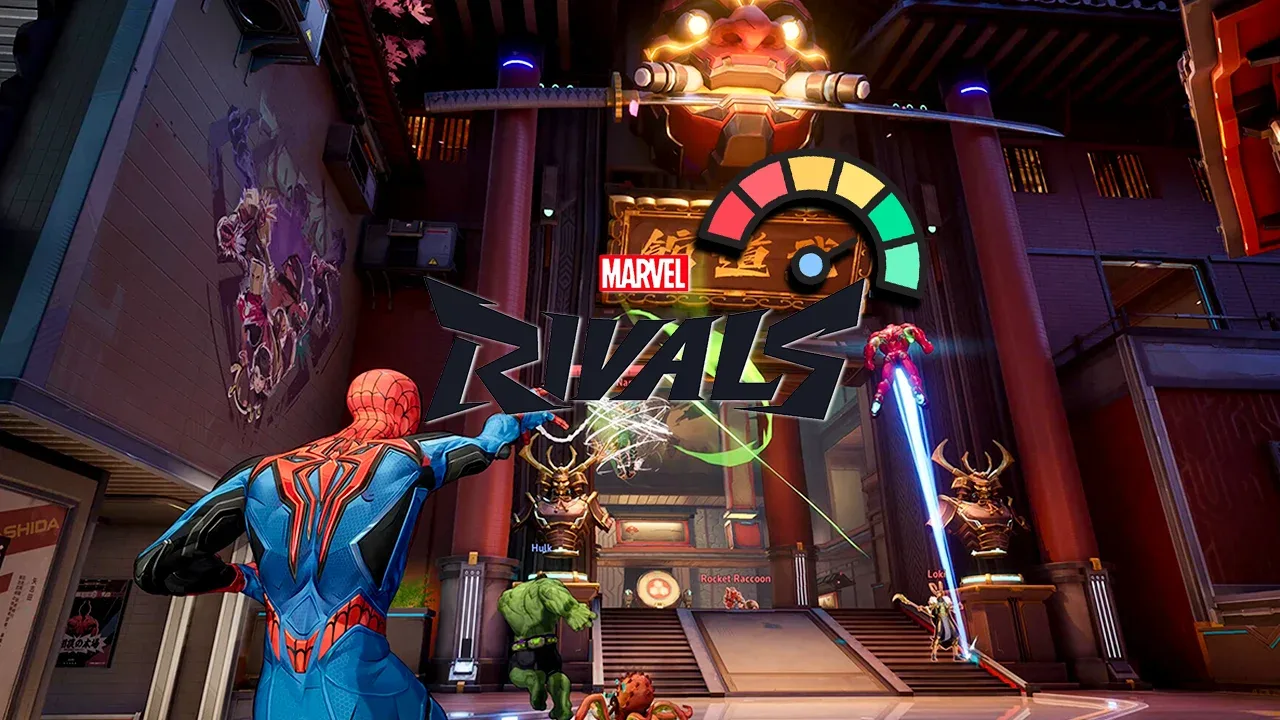
Marvel Rivals, developed by NetEase Games, was released as a third-person shooter game. Players compete with the heroes they choose in 6 to 6 teams. Although the game is enjoyable in terms of gameplay, there are some performance problems. In this article we will share Marvel Rivals FPS Boosting Methods It will solve the performance problems.
How to increase Marvel Rivals FPS?
Some players playing Marvel Rivals on Steam cannot enjoy the game due to performance problems. But there is no need to worry! There are various solution methods for the Marvel Rivals FPS problem. So how to increase Marvel Rivals FPS? Here are those methods!
- Changing game graphics
- Verify file integrity
- Updating video card driver
- Buying up-to-date computers
Changing game graphics
Graphic settings can be changed to experience the Marvel Rivals game, which is loved by the players with its quality graphics and animations, fluently. In in-game settings, firstly low latency mode"NVIDIA Reflex Low DelayThis should be set to ". Thus, much clearer and faster responses can be given to the movements of the opposing players.
When it comes to the Graphics section by scrolling down a little on the settings screen, general lighting"SSGI Low Quality", quality of reflection"Screen Area Reflections"and model detail"MiddleThese changes will provide a much more stable experience by reducing the memory usage of the video card.
In addition, after processingLow"Shadow Details"Low"Text Detail"Low" and effect detail according to the video card model"Middle"or"LowIt should be selected as ". It should be noted that especially the lower the post-processing and effect detail settings, the lower the FPS can be obtained.
Verify file integrity
Corruptions that may occur in game files cause the FPS value to decrease instantly. In areas where action is intense, instant hanging and freezing problems negatively affect the game enjoyment. The process of verifying the file integrity, which we include among the Marvel Rivals FPS increase methods, makes the game work more stable. To verify Marvel Rivals game files:
- First, open Steam and log in with your membership information.
- Right-click the Marvel Rivals game from the Library section.
- Click on Properties and proceed to the "Loaded Files" section.
- Finally, start the process by clicking the "Verify game file integrity" button.
During the Marvel Rivals file verification process, incorrect files will be downloaded again. After the process is completed, the problem of stuttering and freezing will be solved.
You May Also Like: Super People Teleporter Guide
Updating video card driver
Many players can have stuck and freeze problems while playing Marvel Rivals as they delay updating their video card drivers. One of the most effective methods of solving this problem and increasing FPS values is to update the video card driver.
Before updating the video card driver, the old driver must be completely removed using the DDU (Display Driver Uninstaller) program. We recommend that this process be done in safe mode of the computer.
After safely uninstalling the old driver, you can download and install the latest video card driver from the official website of NVIDIA or AMD. In this way, you can experience a more fluent gaming experience by obtaining better FPS values in the game.
Buying up-to-date computers
All Marvel Rivals FPS Boost If there is no increase in the FPS value after trying the methods, it is time to buy a new computer. As time goes on, both processor and graphics card manufacturers are releasing much more powerful hardware.
Although it is difficult to access the most up-to-date hardware due to the recent hikes, ready-made systems can be preferred. We would like to point out that when purchasing a ready-made system, attention should be paid to the customization options.
Result
In this article Marvel Rivals FPS Boost We mentioned the methods. If you want to play the game fluently, you can apply the methods we offer. Also https://oyuncukonseyi.com/oyun-rehberleri/ You can also review various guide contents about games by clicking on the link.