
 Add as a preferred source
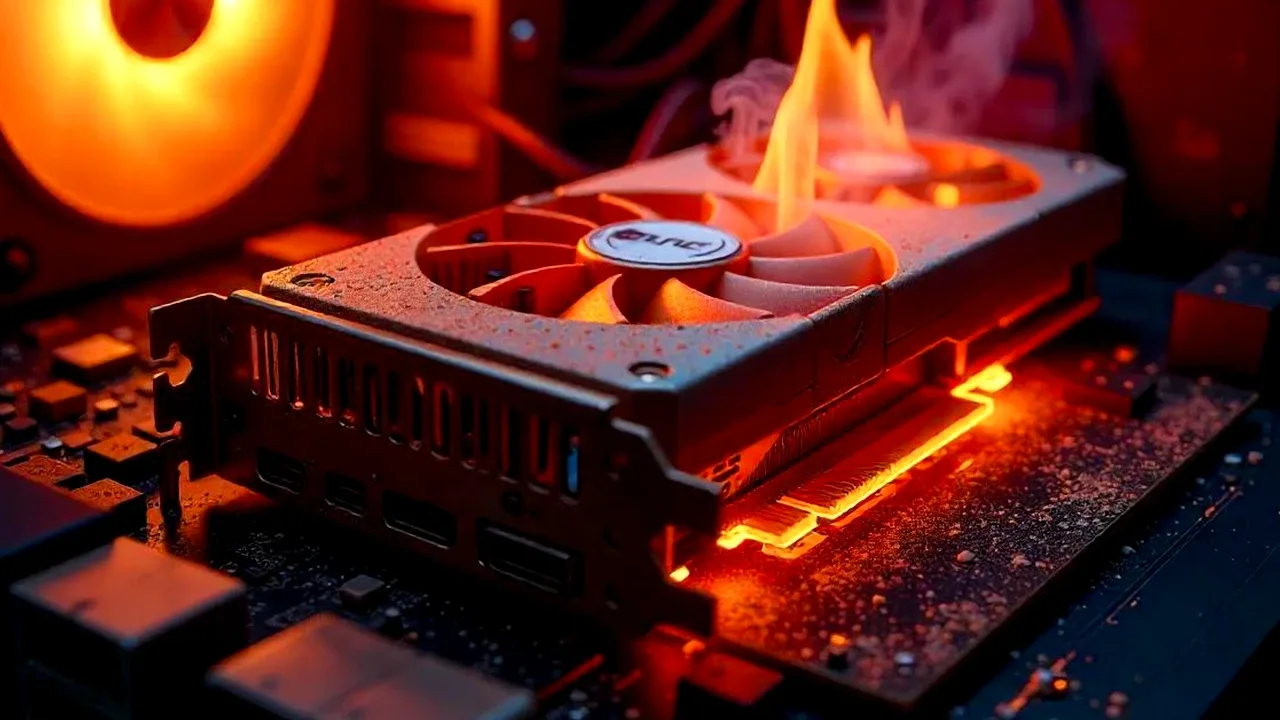
With the development of technology, the graphics in the games become quite realistic. This allows the atmosphere in the games to be reflected much better. However, the realistic graphics and high resolution in the games cause the graphics cards to overheat. In our guide content Graphics Card Heating Problem Solution We will include the roads. Before moving on to various solution methods, let's take a look at why the video card is warming up.
What causes video card heating problem?
- Frequency of use
- dusting between fan
- overclocking
For the reasons we have included in the list above, the video card works at higher temperatures than it should be. Graphics cards, which are constantly used in high performance, get hotter.
Curious by players"Why does the video card heat up?Another answer that can be given for the question "The dust between the fans is dusting. Although the graphics cards are inside the computer case, they can easily be dusted when cleaning is not done.
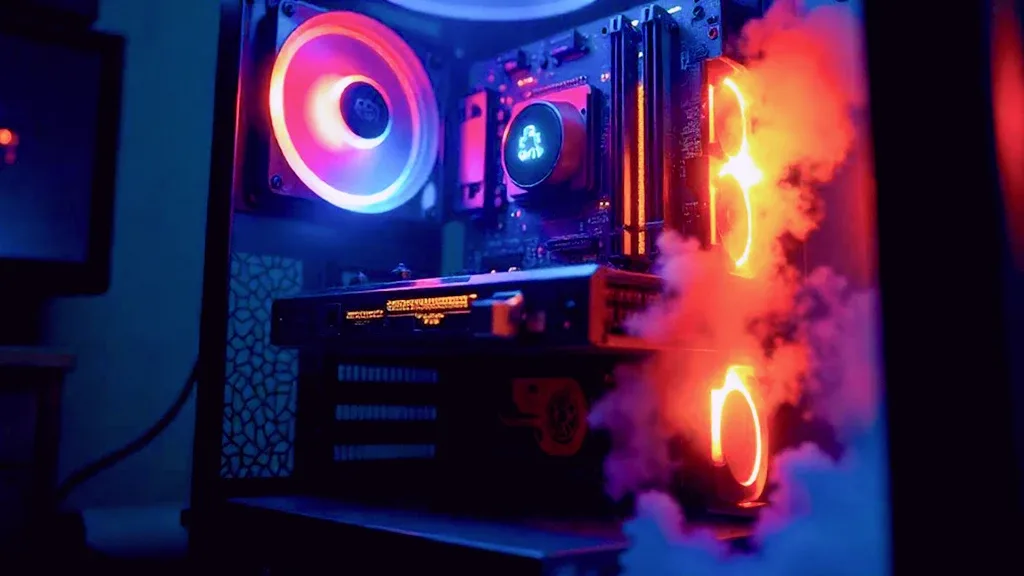
Dusts that get between the video card fans prevent the air flow from being smooth. In such a case, the fans run at higher speed to cool the graphics card.
In addition to all these, the overclocking process, which is not done properly, causes the players to have a heating problem. Overclocking allows the video card to run much faster, allowing high FPS values in games.
Since an overclocked graphics card consumes much higher power and runs at higher than normal speeds, its temperature naturally increases. well, Graphics Card Heating Problem Solution What are the ways?
video card heating problem, what are the solutions?
- Disabling Overclocking
- Regular fan cleaning
- Adding additional fans to the case
- Optimizing in-game settings
The solutions we have included in the list will be sufficient to reduce the graphics card working at high temperature values to stable temperatures. Those who use the video card settings at the default level can lower the temperature by doing a simple cleaning.
You May Also Like: How to Change Steam Profile picture? Here Are the Avatar Replacement steps!
Users who encounter the video card heating problem can check whether the overclock is turned on on the video card. When the overclock is turned off, the video card will start running at its standard speed. Thus, the temperature value will also decrease to the acceptable range.
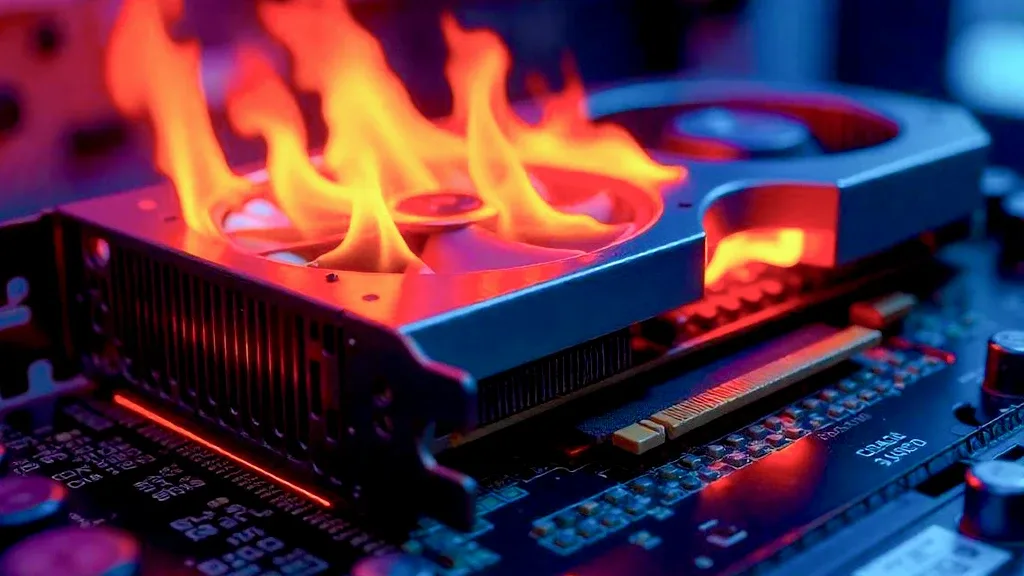
In addition to all these, an extra fan can be added to balance the airflow inside the case. Thus, the hot air accumulated in the computer case will be thrown out much easier, and the pieces will work in a cooler environment.
Result
In this article Graphics Card Heating Problem Solution Methods We are here with you. If you have problems with stuck in games as a result of the video card reaching very high temperatures, you can apply the methods in our content. Also to browse more informative content https://oyuncukonseyi.com/teknoloji/ You can click the link.