
 Add as a preferred source
Developed by Facepunch Studios, Rust continues to be developed with updates. Although regular updates make the game more playable, some players may encounter low FPS problems while playing Rust. We will share in this content, Rust FPS Boost Thanks to its methods, you will be able to play the game fluently!
Rust FPS Boost 2026 Methods!
- Changing Rust Graphics Settings
- Updating video card driver
- Installing Windows Updates
- Using Rust FPS Boost Console Commands
Players who play Rust for a long time know very well the general FPS problem in the game. Although this FPS problem does not always occur, instant freezing or FPS drops can affect players badly when the conflict is the hardest.
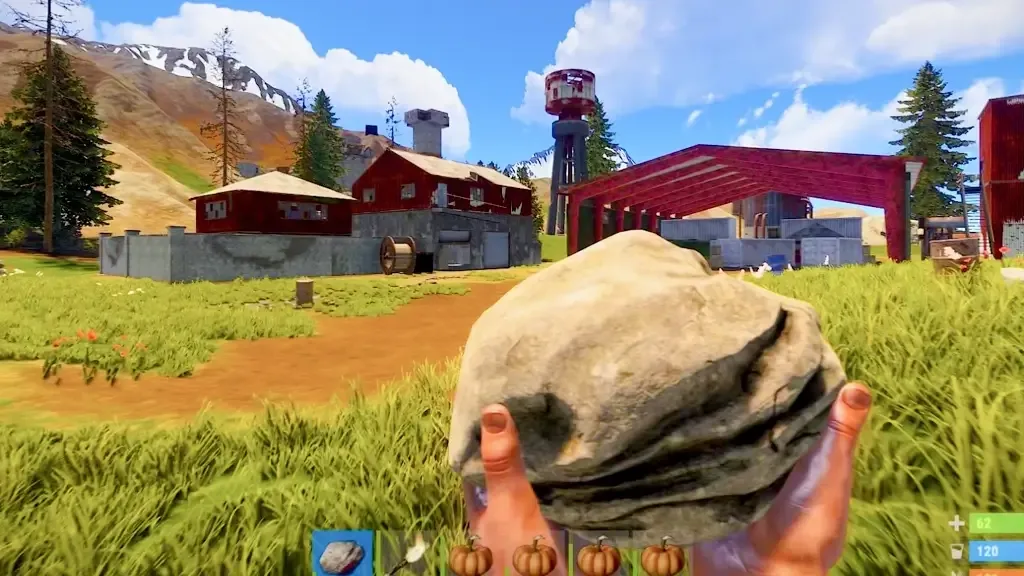
Although the game is updated and optimized more, players with low hardware can lose fluency. Let's Rust FPS Boost Let's take a closer look at the ways!
Changing Rust Graphics Settings
- Depth of field: OFF
- Ambient occlusion: OFF
- Anti-aliasing: ON
- High Quality Bloom: OFF
- Lens Dirt: OFF
- Sun Shafts: OFF
- Sharpen: OFF
- vignet: OFF
- Color Grading: OFF
- Graphics Quality: 0 (You can make 1 according to your video card.)
- Water Quality: 0
- Max Shadow Lights: 0
- Shader Level: 100
- Draw Distance: 1500 (don't drop below 1000.)
- Shadow Cascades: No Cascades
- Shadow Distance: 100
- Anisotropic Filtering: 1
- Parallax Mapping: 0
Rust in-game FPS boost settings You can earn FPS by making some changes in it. FPS gains will vary according to the hardware features of the computer you use. Rust FPS Upgrade If the graphics settings we shared above are not enough, you can apply our next suggestions.
Updating video card drivers
Using current video card drivers often solves FPS problems in games. While this is not always the case, you should upgrade the drivers of the graphics card you are using to the newest version. If you are experiencing more FPS loss after updating the video card driver, then you can download it to a lower version.
You May Also Like: Best FM 2023 Wonderkid Central Midfielders
You can make the game much more stable thanks to the correctly configured video card settings. Updating video card drivers Rust FPS Upgrade methods It is the most useful method among them.
Installing Windows Updates
If you want to get more FPS in both Rust and other games, you should definitely install the most up-to-date operating system. Check the updates of the operating system installed on your computer with regular spacing.
If you haven't made any updates so far, the Windows update may take a long time. However, after the update is completed, you will be able to play Rust at more stable FPS values.
Current Rust FPS Boost Console Commands
- Perf 5
- pool.clear_assets
- pool.clear_memory
- pool.clear_prefabs
- Graphics.va_Fov_Scale False
- GC.Buffer 4096
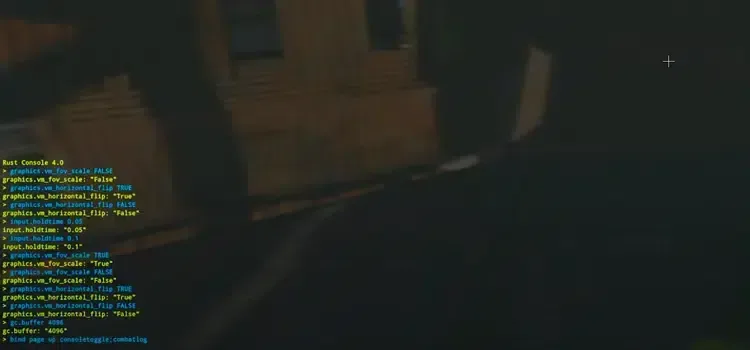
You can increase the FPS value that you can get by using some console commands. Some servers limit the use of console codes Rust Console Codes It doesn't work fully on every server.
Result
Rust FPS Boost We have shared with you the most efficient suggestions among the methods. We hope that after trying the suggestions in our content, your game has become much more fluid. If you have a place where you are stuck while applying the methods, you can share them with us in the comments section.