How to Fix the PUBG Memory Could Not Be Read Error

This content was independently prepared by the Oyuncu Konseyi editorial team. Sponsored and partnership content is always clearly labeled. Details: Editorial Standards
Table of Contents
The Battle Royale game type that took the whole world by storm. PUBG, continues to improve with new updates and improve the gaming experience of the players. Some players after the new patch pubg memory read no error states that he has met. You can find the methods you can try for the memory-read error solution from our content.
How to fix pubg memory not error?
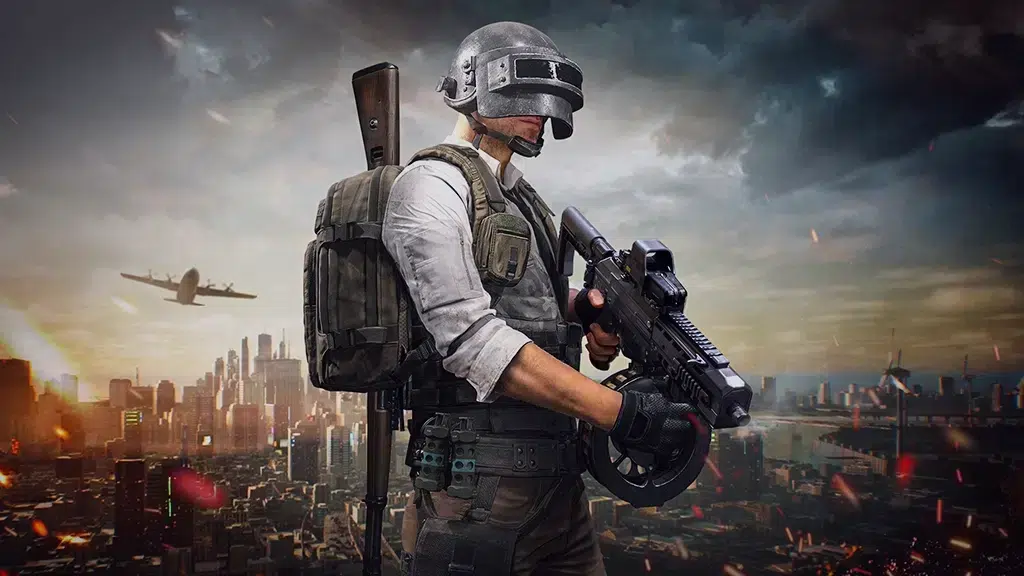
Players who have been playing the game for a long time will know very well that this error was also present in the beginning of 2018. Although almost 5 years have passed, some players are still pubg memory read no error can get. There may be different reasons for this error to occur. However, players who usually overclock their computer Memory Read No Problem lives. You can solve this problem by following the steps below.
Check overclock configuration
By overclocking your processor or video card, you can achieve a significant performance increase in games. However, if you overclock without making the right settings, it is normal to encounter many problems such as crashing, closing or not opening while playing PUBG. We recommend checking the overclock settings or not overclocking to solve similar problems.
Pubg File Verification
When you run the game Memory Read No Error If you are taking it, there is a high probability that your game files will be corrupted. To fix the problem, first make sure you have a stable internet connection. Then right-click PUBG via the Steam Library and open the Properties window. Click the Verify Game File Integrity button from the Local Files tab. We recommend that you do not do anything else until this process is completed.
Update video card drivers
pubg memory read no error Field players can fix this problem by updating video card drivers. The software that comes with the current video card drivers will be free from many errors. Therefore, it is useful to use up-to-date drivers. Completely remove the video card driver using Display Driver Uninstaller (DDU). Then download the latest driver from the website of the video card you are using and complete the installation.
Download the game from scratch
If you have tried everything but still get the same error, you can reinstall the game. You can use third-party apps to completely remove the game from your computer. After completely uninstalling PUBG, restart your computer. Download the game again on Steam and make a complete setup.
pubg memory read no error for solution We shared our suggestions with you. You can solve the problem by following the suggestions we have given. Apart from our suggestions, if there are methods you know, you can specify them in the comments section. Also Error Solutions By visiting the category, you can also take a look at the solutions of the problems encountered in other games.