
 Add as a preferred source
cod warzone 2 hud not showing problem A Battle Royale is one of the weirdest problems that can happen in the game genre. If you are playing the Battle Royale mode of Call of Duty Warzone 2, you must check all the indicators and values to win. If you can't do this due to the Warzone 2 interface problem, you can find a solution by trying the solution methods we have described in this content.
Cod Warzone 2 HUD Not Appearing Problem Solution
Since the game's release, players have been reporting many large and small-scale problems. Most of these reports are as anyone can imagine. Call of Duty Warzone 2 DMZ mode made for. Especially the problems experienced in the faction missions were reported by the players that they did not work properly. In addition, there are some problems for the game's Battle Royale mode.
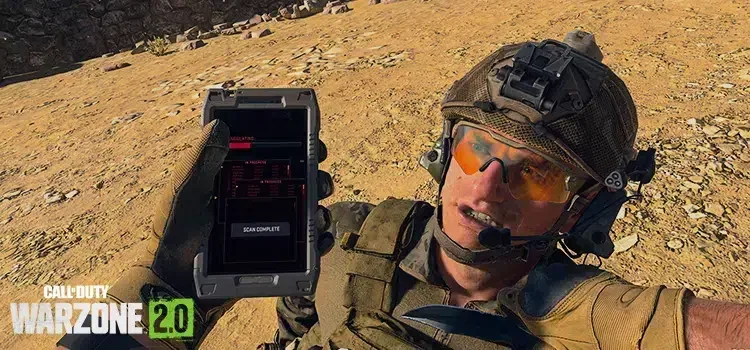
Cod Warzone 2 HUD not appearing problem usually occurs after equipment is taken from equipment drops. After you get this error, it becomes almost impossible to continue the game. The reason for this is that you cannot see your life, your armor, which weapon you are in and how many bullets you have left. You can try to solve the problem with the solution methods we will explain below.
Verify game files
We are aware that there is something you see in almost every error solution, but it is also a very effective method for solving problems. One of the biggest reasons for the errors faced by the players is the missing file. From which platform you downloaded the game, you can verify the game files from the library there. Since the completion of this process is related to the speed of your computer and the size of the missing files, we cannot say that it will take a long or short time.
Quit the current game and search for a new game
Although this solution method is not preferred by most players, entering a new game will solve the problem. Because there is no known way to solve this error in the current game where you get this error. No matter how boring the situation is, entering a new game and playing with a decent interface will give you much more pleasure.
You May Also Like: Valorant Win64 Shipping Error and Solution
cod warzone 2 hud not showing problem These are the methods we can recommend for now. Because there is no definite solution method for this error yet. We hope that with the new updates, there will be no such problem and the players will continue to play without interrupting their entertainment. If there is any solution you find, you can send it to us in the comments section.