
 Add as a preferred source
Xbox GamePass system is a very useful system for people to play games, especially in regions where game prices are high, especially in our country. Many new games are added to the system from the first day and offered to the taste of the players. However, if you have stopped using this system for any reason, canceling your subscription is not a very grueling process. with you How to cancel Xbox GamePass subscriptionI'm sorry. Let's share.
How to cancel Xbox GamePass subscription?
You need to enter the Microsoft settings site by logging into the browser from a computer or mobile or from your Xbox console. From here, you must be logged into your Microsoft account. From here, you will enter the Xbox Game Pass section of your profile. In the Services and Subscriptions section, you can see your already existing Game Pass subscription.
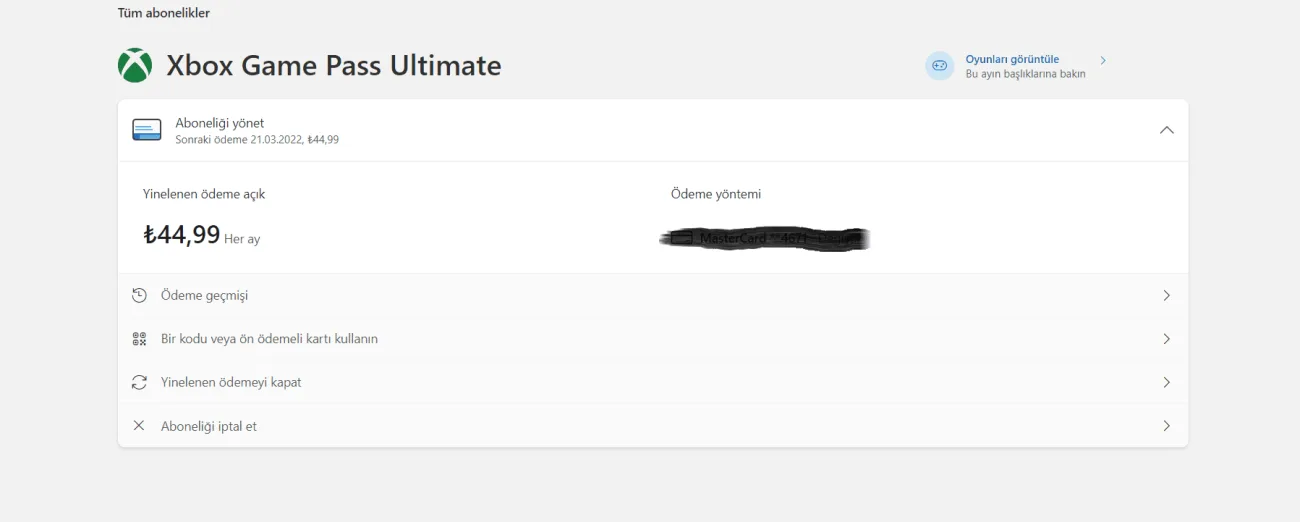
Click the Manage button next to the subscription. From here, you should select the Cancel subscription option. You can terminate your subscription by clicking Cancel subscription again in the window that opens.
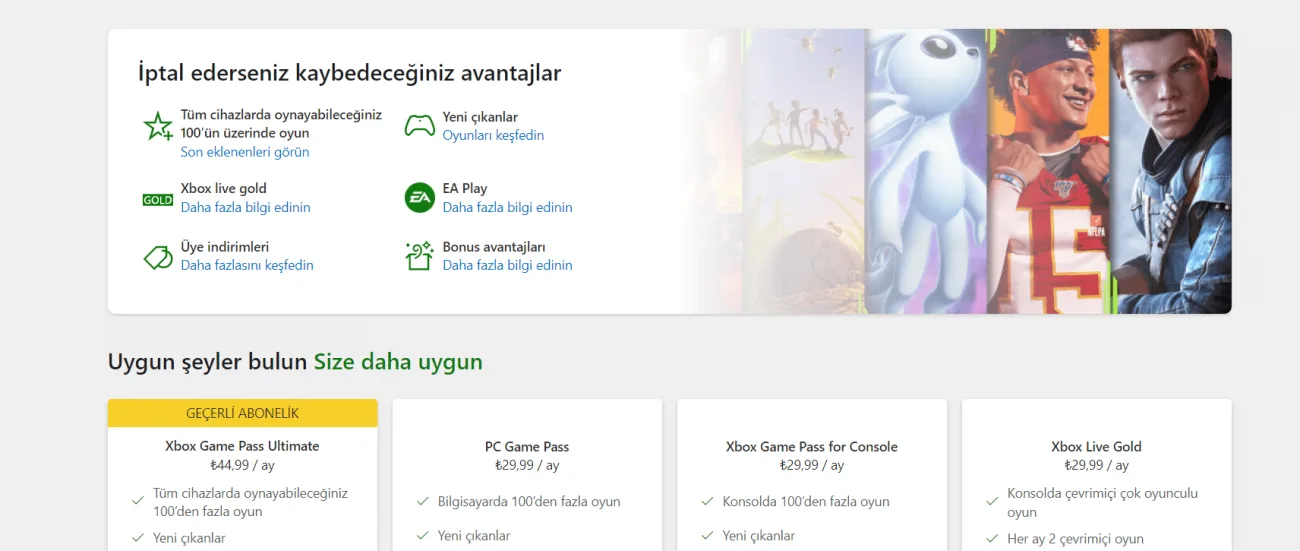
Thus, you will cancel your Xbox Game Pass subscription. Your subscription will remain active until your due date. If you change your mind in this process, you can restart your subscription by following the same steps again.
You May Also Like: How to Get the Free FIFA 23 Prime Gaming Pack