
 Add as a preferred source
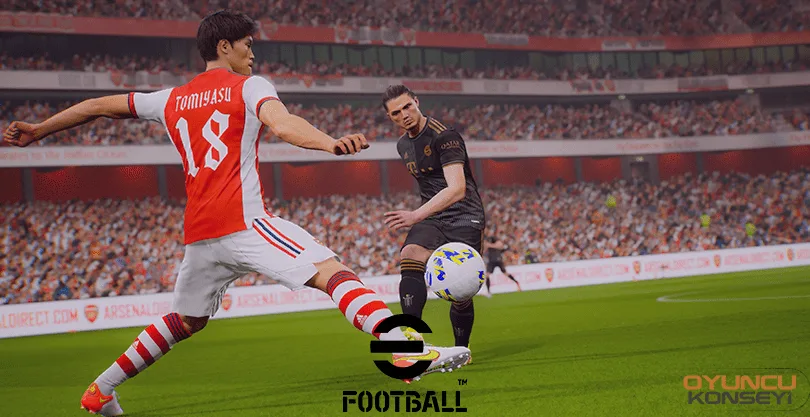
Developed by Konami Digital Entertainment, EFootball 2022 with its new name PES 22 debuted with a lot of errors. In addition to many problems in the game, we can see that some players encounter freezing and hanging problems. we prepared eFootball 2022 FPS Boost Guide They can play the game much more fluently by solving this problem.
eFootball 2022 FPS Boost Methods
The Efootball 2022 game developed by KONAMI has been opened to access with problems that make you say that it is not possible. This situation was not pleasant for the game, which was released for free. In a way, we can say that they could not use the advantage of being released for free. Of course, mistakes can be fixed in time, but eFootball 2022There were many errors in the . Besides all the bugs, some players are not working fluently or they are experiencing instant freezing questions. You can make the game more fluent by trying the solution methods below.
- Change in-game graphics settings
- The source of low FPS or stuttering problems is usually in-game settings. When computers with old hardware are added to it, the situation can become unbearable. In this case, you can increase FPS by reducing in-game settings. In particular, reducing the shadow and anti-aliasing setting will be directly effective in increasing FPS.
- Check computer power settings
- Players have not made a special setting, and their computers are usually running in balanced or power-saving mode. Type power options in the search for Windows and click the first result. Then click on the additional power options from the right side and select the high performance from the screen that appears. Thus, the processor will give the best performance and the games will be played with much better FPS values.
- Edit video card settings
- Almost all players do not make the graphics card settings after updating their graphics card drivers. For this reason, the graphics cards of the players work at optimum power. What needs to be done is to change the Optimum Power option, which is set by default from the video card settings, to Maximum Performance after each update.
- Get more powerful hardware
- If the problem persists even though you have done everything, you should renew the system. Using a computer with more up-to-date hardware will increase FPS not only in this game, but also in games. It would be the best decision to choose one of the motherboard models compatible with current ram and video cards when switching to the new system.
Overwhelmingly negative scores of players eFootball 2022 for FPS increase We have compiled the methods for you. We hope you can play the game with high FPS values after applying these methods. With the new update to be published for this game, can the points turn into positive? You can send your ideas in the comments section. More Game Guides Don't forget to follow our site.
You May Also Like: Sterben Valorant Crosshair Settings