
 Add as a preferred source
Zula is a production that has managed to make a name for itself among Turkish-made games. on the market in 2015 Zula Game Currently, it manages to maintain its place among the most played games. But when we look at it, Zula System Requirements As you can see in our guide, it is possible to understand once again why this game, which requires a very light hardware, is popular.
The biggest reason why this game is played so much is that it can be played easily from many entry-level desktops or laptops. For this reason, players who love FPS and competition can register for free and download the Zula game to their computers. Zula Official Website Don't forget to register via!
What are the Zula System Requirements?
Considering the system requirements, Zula is a game that can work very comfortably even on entry-level computers or old laptops. In particular, we would like to draw your attention to the video card, which is among the recommended system requirements. Here Zula System Requirements,
Minimum system requirements
- Operating system: Windows 7/8/10 32 bits
- Processor: Dual Core CPU 2.4GHz
- Graphics Card: Intel HD Graphics 4000 / AMD Radeon R5 M320
- RAM: 2GB
- Hard disk: 4 GB download, 5 GB storage size
Recommended system requirements
- Operating system: Windows 7/8/10 64 bit
- Processor: Dual Core CPU 3.0 GHz
- Graphics Card: Graphics Intel HD 520 / Radeon R7 M260
- RAM: 4GB
- Hard disk: 4GB download, 6GB storage size
Integrated video card chips (screenshots in the processor) seem to be enough to run the game. However, it would be a good choice to use an external graphics card to play the game more fluently and to be advantageous against opponents. In addition, 8 GB of RAM and above can be used.
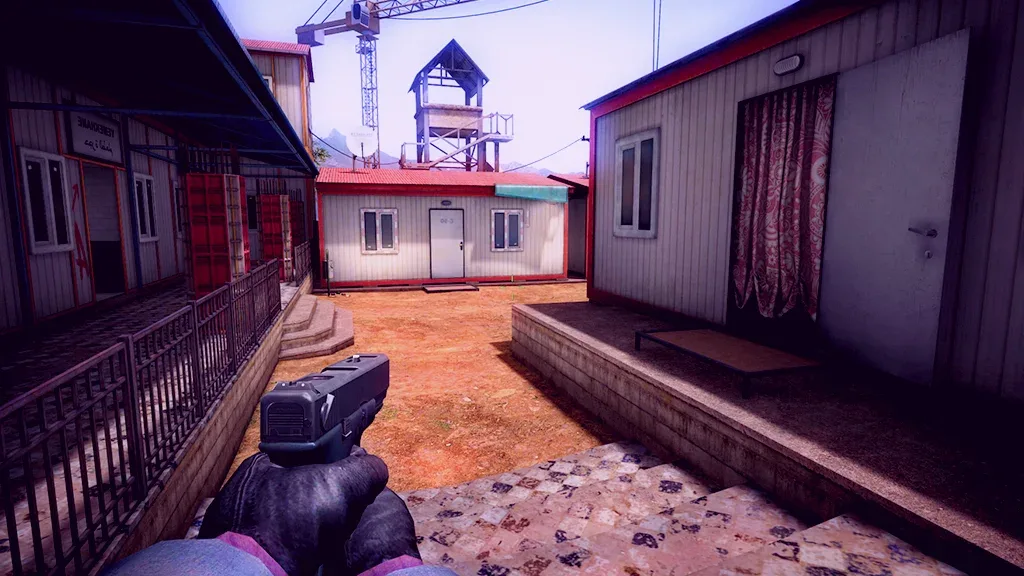
In this way, the game will be faster than before. To take part in competitive games without spending too much on the computer stash It could be a good choice. although Low system requirementsAlthough it has what it has, the graphics in the game look quite nice compared to the time of the game's release.
Does my computer play stall?
When the Zula system requirements are examined, it turns out that it can be easily played with entry-level computers. The Dual Core CPU request in the game's recommended system requirements can now be met by computers with the lowest hardware.
You May Also Like: Victoria 3 System Requirements
Despite everything, stash problem We have a few suggestions for living players. First, they can see higher FPS values than before by turning off Antialiasing in the game settings. But turning off this setting will make the edges of the characters in the game more serrated.
You can also get a nice FPS increase by choosing the minimum settings in the graphics level section. System requirements Although it is low against FPS games released today, stash It looks like he turned it into an opportunity.
How many GB does Zula take up?
How many GB does the stash take up? The answer to this question is wondered by players who want to start the game or start over. In order to install the Zula game without any problems in 2024, 6 GB of available space is required. But we recommend that you allocate extra storage so that you can download updates without problems.
How many fps do I get when playing Zula?
With the development of technology, the processor and graphics cards have started to perform much higher. Zula System Requirements, shows that the game can be played at 60 fps even on old computers. However, it will be possible to play Zula 165 fps and above with a computer with up-to-date hardware.
Result
Zula System Requirements In our guide, we looked at the minimal or suggested requests of the game together.