
 Add as a preferred source
Valorant has managed to become one of the most popular FPS games today. There are many reasons why it is loved by the players, but the optimization in the game and the almost trouble-free gaming experience are among these reasons. Although it can be played without any problems, sometimes annoying mistakes can be encountered. One of them is Valorant version mismatch is the problem.
The majority of players think that the problems they face in Valorant are due to the game. Some problems can be caused by an error in the players' systems or hardware mismatch. In this article Valorant version mismatch solution We will be with you.
Valorant Version Incompatibility Resolution Methods - 2024
- Update Valorant
- restart the game
- Start the game
Update Valorant
Launch Riot Client as administrator and make sure all updates are made. You can verify the file so that the updates are fully installed.
restart the game
Restarting the game can solve the version mismatch issue that Valoron players often face. After you have completely closed the game, you can search for an encounter without any problems when logged in by restarting it as an administrator.
You May Also Like: How to Fix Forspoken Not Detecting a Gamepad
Start the game
If the Valorant version mismatch problem persists despite trying different methods, deleting the game from the computer and reinstalling it may be the solution. When reinstalling the game, you should be careful that there is no interruption in your internet connection.
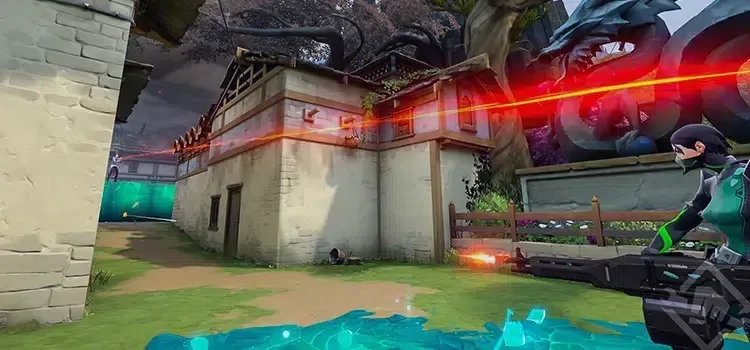
Valorant Version Dispute Resolution If you continue to experience the same problem after the methods we offer for you, you can contact the Riot Games support system. Also to learn about solutions to other Valorant problems Oyunkonseyi.com/error-cozumleri/ You can click on the link!