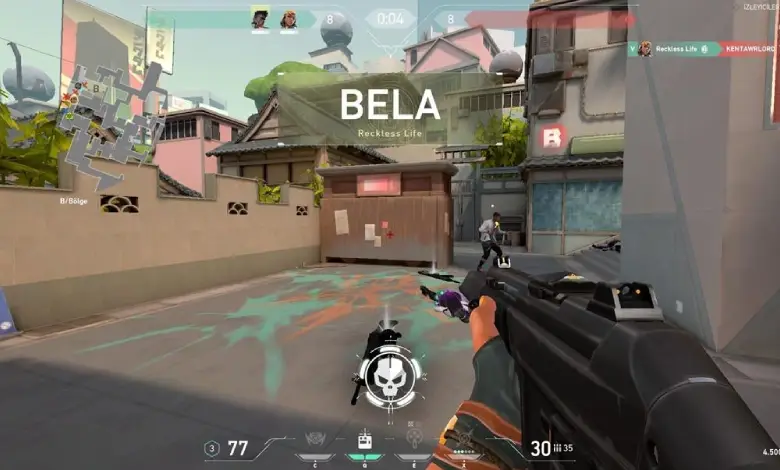
Valorant Pro Player Settings
This content was independently prepared by the Oyuncu Konseyi editorial team. Sponsored and partnership content is always clearly labeled. Details: Editorial Standards
Valorant Pro Player Settings is covered here in a concise English version of the original Oyuncu Konseyi article. The guide focuses on the details that are most useful when you want to understand the topic quickly and apply it in practice.
What to Know
- Test changes in the Practice Range before using them in competitive matches.
- Keep graphics, network, and crosshair changes separate so you can identify what actually helps.
- Riot may change menus or requirements with future updates.
Change one group of settings at a time and compare performance in the same scene or test area. Average FPS is useful, but frame-time consistency and input response also matter. If a change causes visual problems or instability, return that option to its previous value.