
 Add as a preferred source
In the PUBG Mobile game, some changes can be made in the sensitivity settings so that you can hunt competitors much more easily. In particular, it may be necessary to make fine adjustments to take action to the right spot. In this article we will include pubg mobile sensitivity settings, will make you the first. Let's move on to the settings without further ado!
PUBG Mobile Sensitivity Settings (Android - iOS)
We can say that Battle-Royale game types are games with the highest competition in general. It must be much faster and agile than its rivals for players to reach the top in the competitive ranking. In addition to all these, the ability of the players to aim is among the most important factors affecting winning and losing.
pubg mobile specially prepared for the game Sensitivity adjustment In the guide, we will first touch on the camera settings. You can make very smooth translations in the game by making the settings below.
- Camera sensitivity settings
- PERSON WITHOUT Binoculars: 70%
- Laser & Holographic Sight, Engagement Assistants: 45%
- 3x binoculars, Win94: 20%
- 6x binoculars: 10%
- Personal without binoculars: 65%
- 2x binoculars: 45%
- 4x binoculars, VSS: 16%
- 8x binoculars: 8%
Our next setting will be about the camera movements that you will do while shooting. We can say that it is one of the most important settings to be considered in the game for the sensitivity of shooting animation.
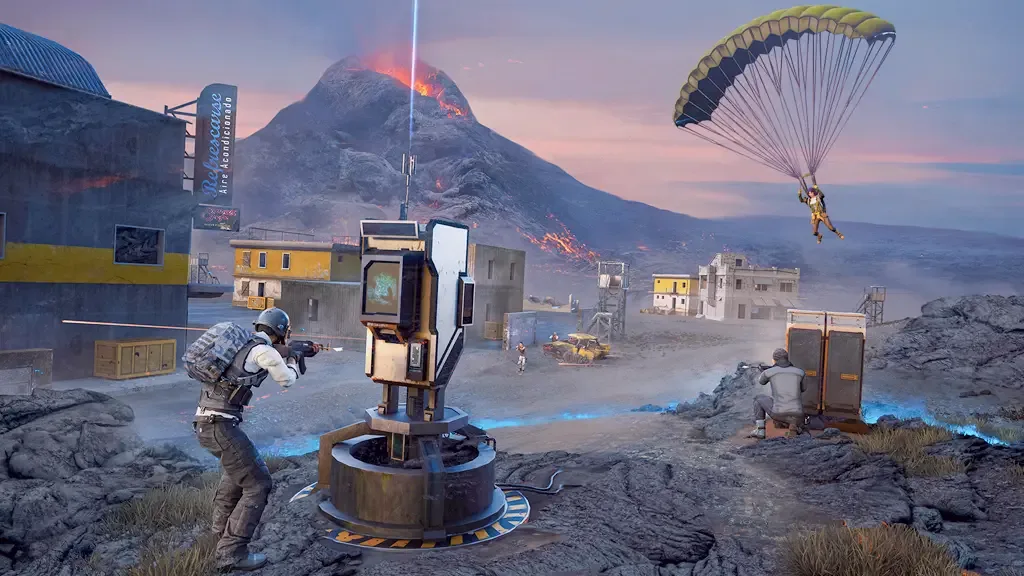
pubg mobile Adjusting the sensitivity correctly when you turn the camera while shooting in your game will guarantee you to shoot your opponents in the game. Here are the settings,
- Shooting animation sensitivity settings
- PERSON WITHOUT Binoculars: 80%
- Laser & Holographic Sighting, Engagement Assistants: 62%
- 3x binoculars, Win94: 34%
- 6x binoculars: 14%
- Personal without binoculars: 70%
- 2x binoculars: 60%
- 4x binoculars, vss: 20%
- 8x binoculars: 8%
lastly gyroscope tenderness We want to talk about the settings. Making this setting correctly is very important for the shots you will make with long-distance binoculars such as 4x, 6x or 8x so that the shots you will make go without tabs.
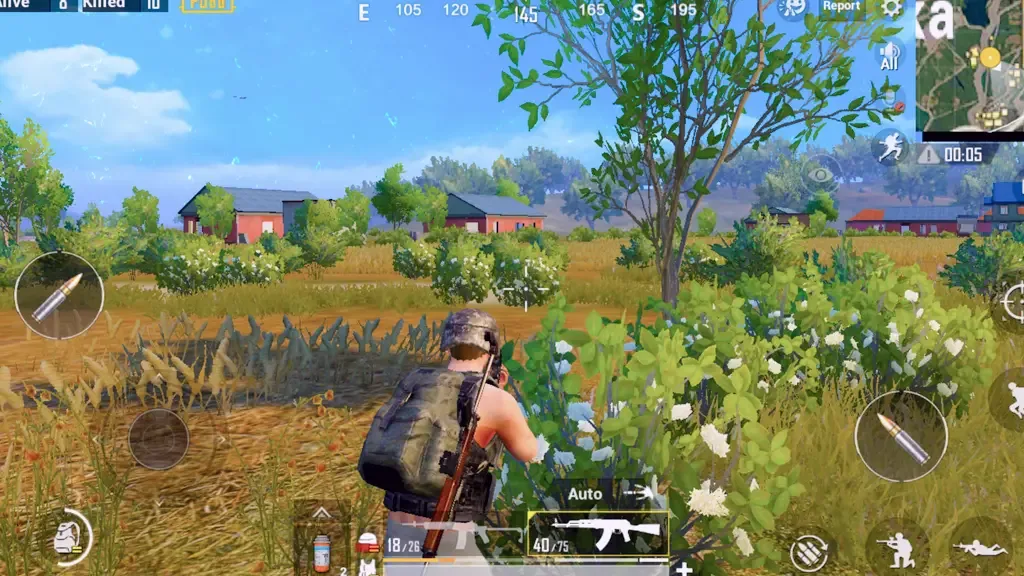
You will need to tilt your phone to make a burst shot at a single point with high-fasten binoculars. The settings below will allow you to do this without disturbing your perspective on the phone screen too much.
- Gyroscope Sensitivity Settings
- PERSON WITHOUT Binoculars: 205%
- Laser & Holographic Sighting, Engagement Assistants: 35%
- 3x binoculars, Win94: 210%
- 6x binoculars: 35%
- Personal without binoculars: 190%
- 2x binoculars: 195%
- 4x binoculars, vss: 65%
- 8x binoculars: 25%
You May Also Like: Cafe Owner Simulator Beginner Guide
Result
above pubg mobile sensitivity settings It will help you play the game in the most stable way. We just want to give you a little advice. After making these settings, you should enter the warm-up matches to get your habits of old sensitivity values to go away.
Thus, you will not have any difficulty in using the above settings in competitive games. more pubg Game Guides You can browse the relevant category of our site for. You can also send us your thoughts about these settings in the comments section.