
 Add as a preferred source
Most of the players Medieval Dynasty He wanted to play the game with his friends from the first day he was released. After many years, the game has finally become a co-op playable. However, some players disconnection He cannot enjoy the game because of it. In this article Medieval Dynasty Co-op Connection Problem We will share the solution methods with you.
Medieval Dynasty Co-op Connection Problem Solution Methods
- Verifying Medieval Dynasty files
- Restart the modem
- Checking Ethernet or Wi-Fi connection
- Reboot the game
Verifying Medieval Dynasty files
Medieval Dynasty Multiplayer Constantly in game mode disconnection If it is happening, it may be because some game files are corrupted. Verifying files will solve some connection problems.
We recommend that no action be taken on the computer while verifying the game files. Thus, all necessary files will be downloaded and installed in the most accurate way.
Restart the modem
Players who do not restart their modem for a long time, Medieval Dynasty Co-op Connection Problem can live. Internet connection may not be stable, especially if the modem has not been restarted for more than 3-4 days.
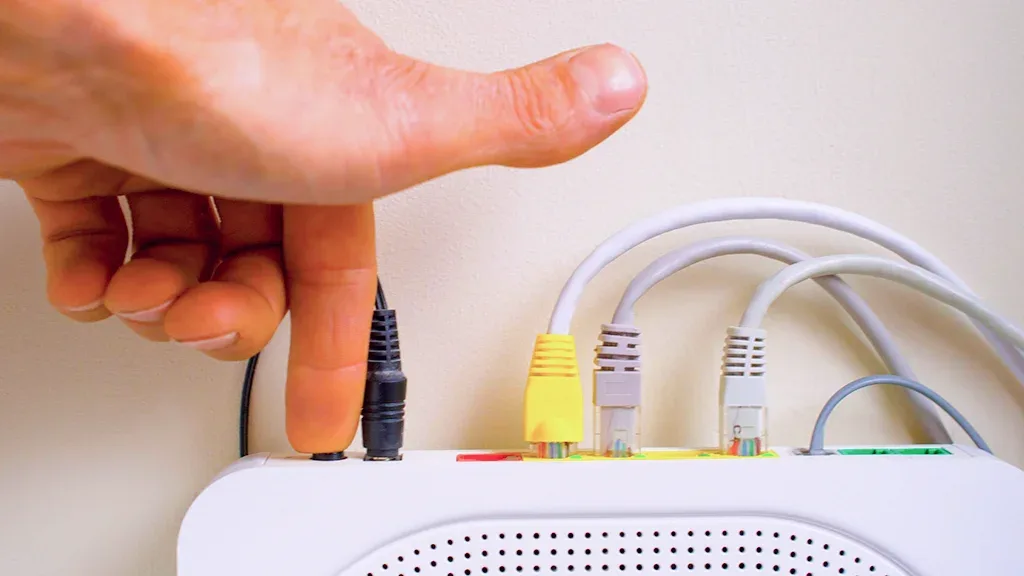
Turning off the modem completely and reopening it after 10-15 seconds will solve the connection problem. Players using fixed IP can contact internet service providers and request a new IP.
Checking Ethernet or Wi-Fi connection
Medieval Dynasty Co-op Connection Problem Solution One of the methods is to check Wi-Fi and Ethernet connections. Players whose computers are connected to the Internet via Wi-Fi can test for a problem with the wireless network adapter.
You May Also Like: How to Fix Atomic Heart Crashing
Players connected to the Internet with a cable can check whether there is any wear on the cable. If there is a tear in the LAN cable, there may be problems with the internet connection due to contact.
Reboot the game
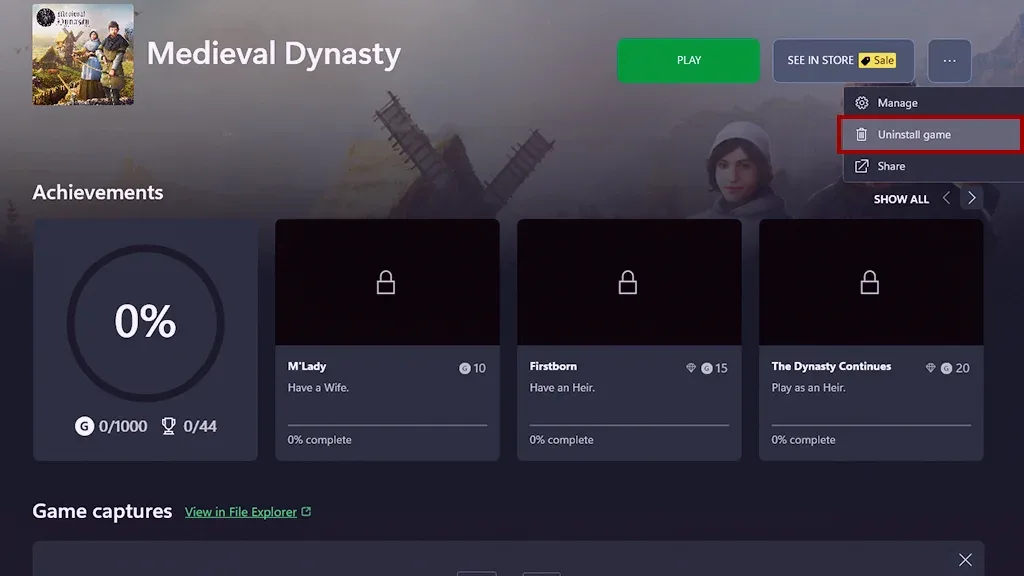
If the same problem persists despite the above solution methods, reinstalling the game will eliminate the problem. Game Steam or Xbox Game Pass A hassle-free co-op experience can be obtained by completely deleting it from its library and downloading it from the beginning.
Result
In this guide Medieval Dynasty Co-op Connection Problem Solution We are here with methods. By applying all the methods in order, you can have a fun time in the game without any breaking problems. Players who will enter the game for the first time playerkonseyi.com/medieval-dynasty-start-guide/ You can browse the content of the Medieval Dynasty Startup Guide that we have prepared by clicking on the link.