
 Add as a preferred source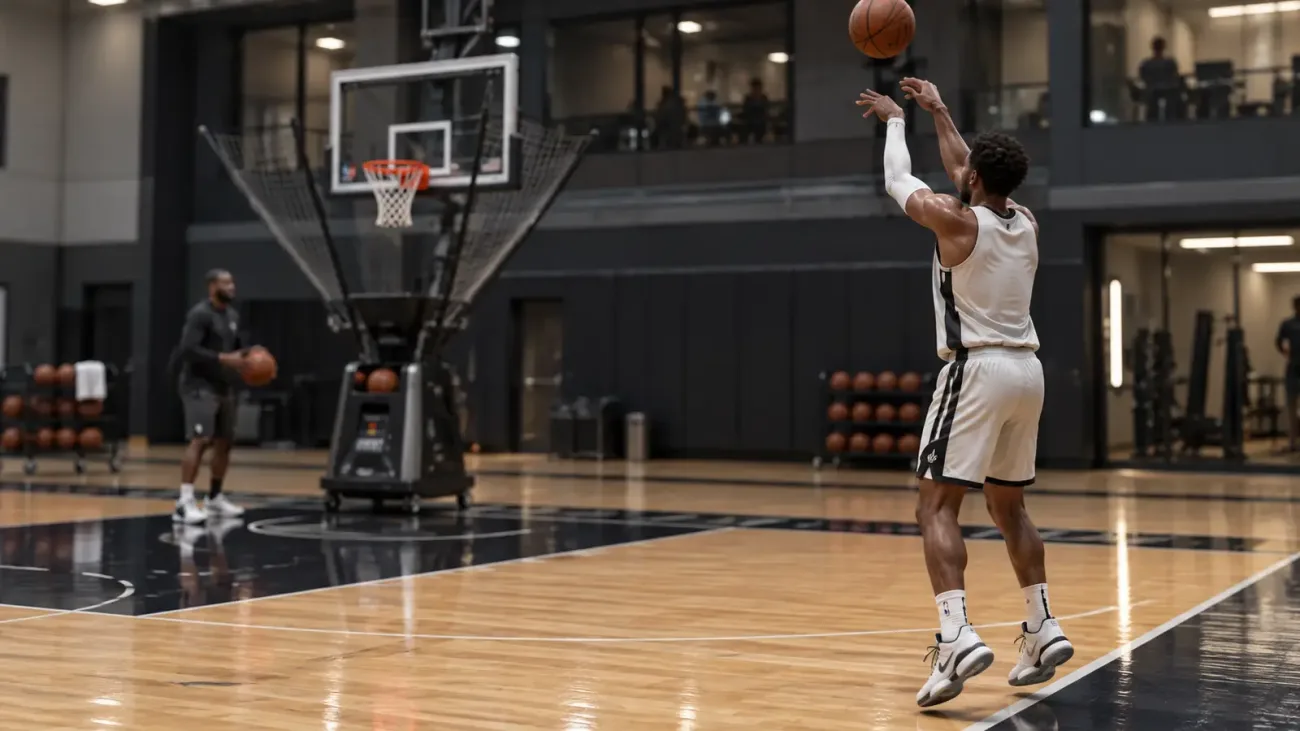
In the NBA 2K27, the shooting system retains familiar controls from previous games, while timing and tempo gain more importance on the Rhythm Shooting side. Settings such as the jumpshot, release speed and shooting indicator used by the player can change the hit rate with a few milliseconds difference. Which keys to use when shooting in NBA 2K27, Which settings for more Green makes sense to change?
How to shoot in NBA 2K27?
For the standard jump shot, it is necessary to hold the square on Playstation and the X key on the Xbox. When the shooting animation reaches the appropriate release point, the key is released. The same process can be done by holding the right analog down. The basic logic does not change in the pull-up shots used while on the go, but it affects the player's speed and animation.
Players who want to use Rhythm Shooting first start the shot by holding the right analog down, then move them up at the speed suitable for the pace of the animation. Here, it is necessary to adjust not only the moment of quitting, but also the speed of the analog movement. Even if the timing of the shot is correct, Green Window can shrink when the tempo is too fast or slow.
Button Shooting or Rhythm Shooting?
Button Shooting is a more stable and easier method to learn. When using the square or x key, the basic Green Window does not change and the player does not need to hold a second tempo movement. For players who have tried a new jumpshot or experienced a delay in online matches, this method can be controlled more easily.
Rhythm Shooting, on the other hand, wants a higher skill level. According to NBA 2K gameplay designer Mike Wang's statement, the basic Green Window size of the two methods is the same. Rhythm Shooting can slightly expand this window when the tempo of the right analog movement is paired correctly with the shooting animation. Bad tempo, on the contrary, can lower the window below the Button Shooting level.
NBA 2K27 Best Shot Settings
A single setting combination does not give the same result for every jumpshot. Still, a few changes to the shooting indicator and feedback options make it easier to learn the correct drop point. As for the shot meter, different choices can be made between the period of learning a new animation and the period when the player is accustomed to timing.
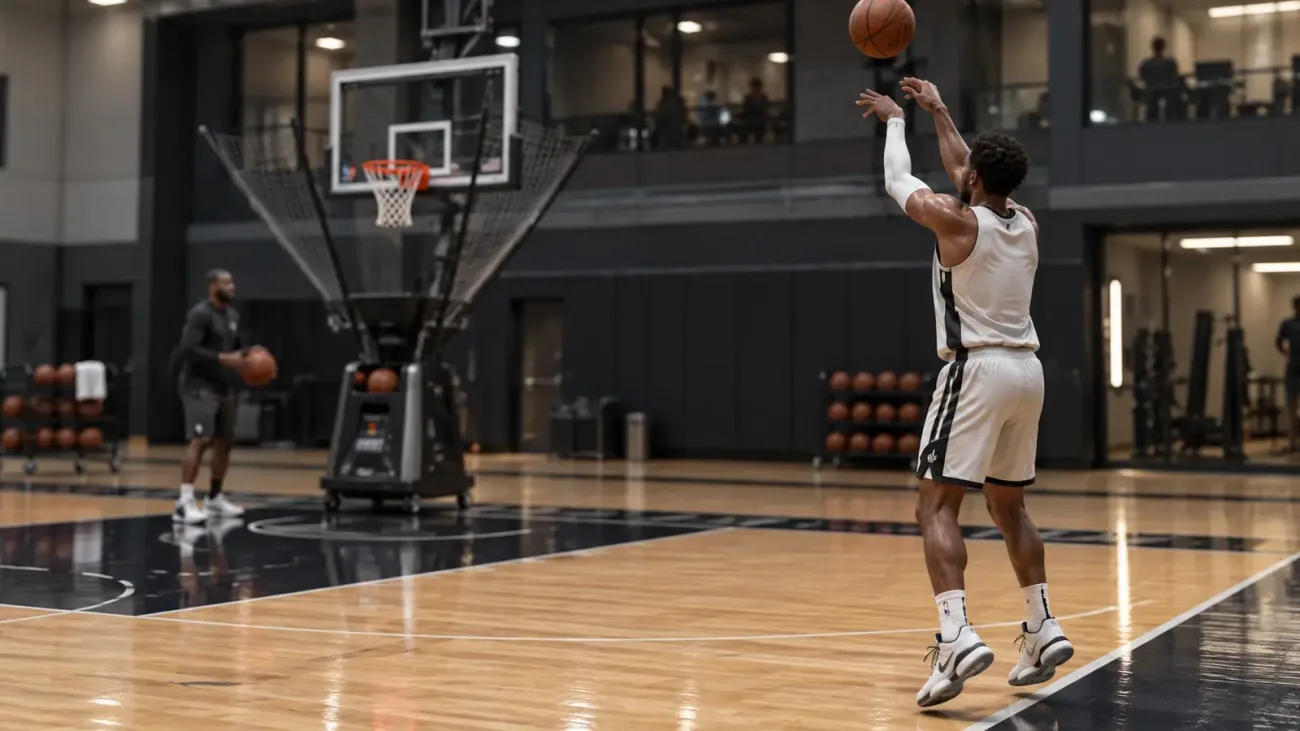
Shot settings you can use for NBA 2K27
- shot meter off
- Shot Timing Visual Cue push
- Shot Feedback All Shots
- shot cues Ten
- Release Speed Normal or Quick
- Rhythm Shooting If you can keep the tempo regularly, use it.
Shot Meter can be kept open when learning a new jumpshot. After you get used to the drop of animation, turning off the indicator becomes more advantageous. In the tests carried out by NBA2klab, it was seen that the closure of the indicator provided a measurable increase in the accuracy of the shots that were especially delayed.
Should the shot meter be turned off?
Turning off the shooting indicator forces the player to focus on character animation instead of meter. It can be difficult to catch the timing in the first matches, but when the same jumpshot is used for a long time, the dropping point can be learned visually. Making the Shot Feedback option also makes it easier to track whether the missed shot is left early or late.
You May Also Like: How to Install the FM 23 Mega Logo Pack
The situation is a little different for those who use Rhythm Shooting. The real-time signal in the Shot Meter can be useful when getting used to a new animation, as it shows the tempo of the right analog movement. After the timing and tempo are seated, the meter can be turned off and the game can be played according to the shooting movement of the character.
Does Release Speed Affect Shooting?
The Release Speed in Custom Jumpshot doesn't just change the speed of the animation. According to the information shared by Mike Wang, the Very Quick option reduces the Green Window size by about 10 percent and the Quick by 5 percent. In thousands of swift tests performed by NBA2Klab, it was seen that fast release options narrowed the timing range.
How to throw more green in NBA 2K27?
One of the most important points is not to constantly change jumpshots. Since the timing points of different base and release combinations change, the muscle memory needs to be re-established in each new animation. Mike Wang also suggests that players practice on the same animation after finding a jumpshot where they can naturally adapt to their pace.
In shooting training, it is not enough to only work fixed shots in the empty position. The animations of the shots used when catch and shoot, pull-up and defender approach after dribbling may feel different. Repeating the positions you actually use during the match with the same jumpshot makes the timing more consistent.
Result
In NBA 2K27, it is not enough to rely only on the high three-point shot rating to increase the shooting percentage. Choosing the right jumpshot, learning the visual release point and regular practice on the same animation directly affect the shooting stability. While a safer start can be made with Button Shooting, players who learn tempo control gain a different option with Rhythm Shooting.