How to Fix the Xbox Minecraft Update Error

This content was independently prepared by the Oyuncu Konseyi editorial team. Sponsored and partnership content is always clearly labeled. Details: Editorial Standards
Table of Contents
Players who find the price of Minecraft high Xbox Game Pass Thanks to the subscription Minecraft He can play his games at a very low price. Although the game can be played without any problems, some players state that they have encountered some errors after the new updates. xbox minecraft could not be updated error It is one of the reported errors. In this content we will recommend Solution Methods You can continue the fun from where you left off by solving the problem.
How to fix Xbox Minecraft failed to update error?
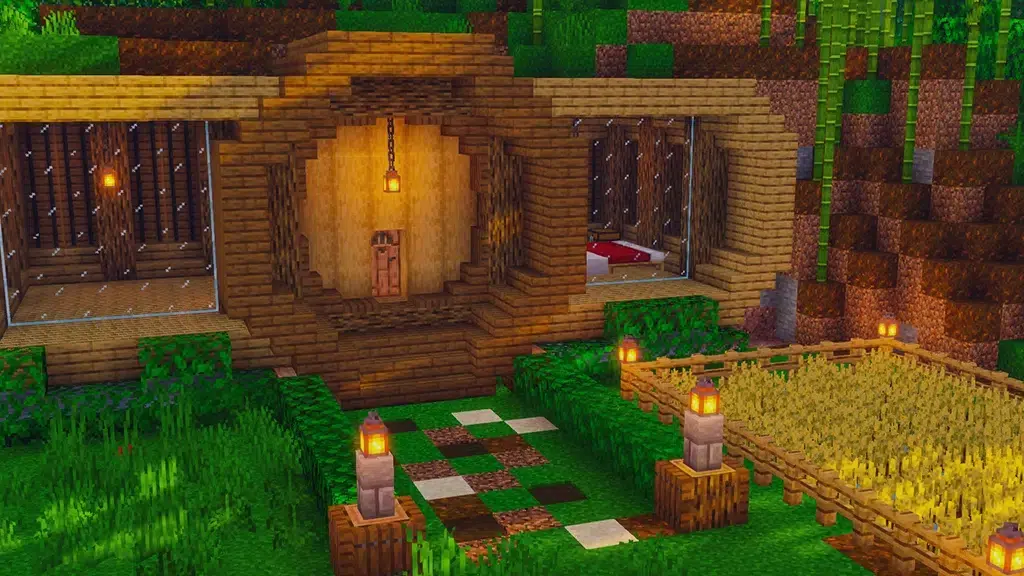
Minecraft continues to develop by receiving regular updates from the first day it entered the game world. With each new update, players are offered much more content and innovation. In addition to this, the errors encountered are also resolved and the game experience of the players is improved. But the game Xbox Game Pass Some of the players playing Minecraft update install problem LIVES. If you are getting this error, you can solve the problem by following the steps below.
Reinstall Xbox app
If you are getting an error while updating the game files, completely uninstall the Xbox app. Behind Microsoft Store Perform a clean installation through it. When you uninstall the Xbox application, we would like to remind you that other games you play with Xbox Game Pass can also be deleted.
Reinstall Minecraft
If you are getting Xbox Minecraft could not update error, you can try to install the game from scratch. Make sure you have a stable internet connection before installing the game from scratch. Thus, you can download the game without any interruption while downloading the game files.
Check your mod packages
If you are using too many mod packs Minecraft You may encounter problems while updating. you set up Minecraft Mod Packs, Launcher may suddenly shut down during installation because it will not support the current version of the game. To avoid this, you can take a backup of your mod packs and update the vanilla version of the game.
With the last update, some players encountered xbox minecraft could not be updated error We shared the solution methods for Apart from the methods we know, if you have any of your discoveries, you can send them to us in the comments section. We wish you all a pleasant game!