
 Add as a preferred source
When we say Turkish-made game, the first game that comes to mind is Mount and Blade 2 Bannerlord, it is played with love all over the world. When the game first came out, there were a few problems and things to balance. Updates and patches made the game much more playable and balanced. Despite this, some players play the game with low FPS. Increase Mount and Blade 2 Bannerlord FPS Thanks to the settings we recommend in our guide, you can get a much more fluent gaming experience.
Mount and Blade 2 Bannerlord FPS Boosting Methods
As in most games, there was some optimization problem in Bannerlord. Although this situation is tried to be corrected, there are players who cannot play fluently. Those who have low FPS problems in Mount and Blade 2 Bannerlord are usually players who do not have current computer equipment or are not properly configured.
In this guide we will tell Mount and Blade 2 Bannerlord FPS Increase RecommendationsIt will be a solution for players who have such problems. We would like to remind you that the settings below are FPS-oriented and the image quality may decrease a little after applying.
Mount and Blade 2 Bannerlord Graphics Settings
With the best Bannerlord graphics settings, you can play the game with high FPS values. However, your computer may be forced due to the intense war and the number of soldiers. After applying the following settings, you can have fun in much better conditions by sacrificing a little from the graphics.
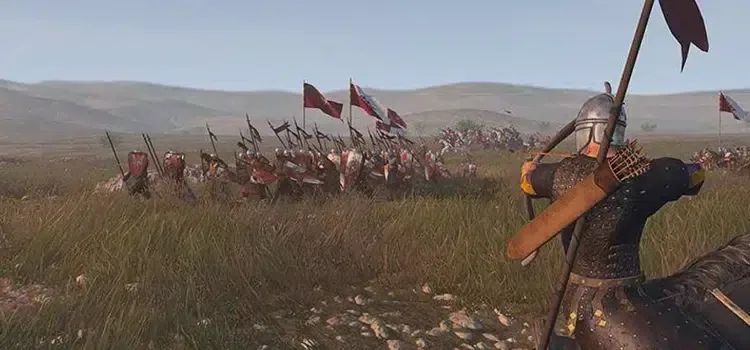
- Texture quality: Medium or High
- Shadow Quality: LOW
- Shadow Type: noble
- Shadow Filtering: noble
- Particle Detail: low
- Particle Quality: low
- Foliage Quality: low
- Character Detail: medium
- Environment Detail: low
- Terrain Quality: medium
- Number of Ragdolls: 0
- Occlusion Method: noble
- Texture Filtering: trilinear
- Water Quality: low
- Anti-aliasing: noble
- Lighting quality: low
- Decal Quality: Low or Medium
- Depth of field: disable
- Screen Space Reflection: Ten
- Cloth Simulation: off
- Interactive Grass: off
- Sun Shafts: off
- Subsurface Scattering: off
- tessalation: Ten
- Bloom: off
- Movie Grain: off
- Motion Blur: off
Driver Update
Regardless of whether the video card you are using is AMD or NVIDIA, download the latest driver and complete its installation. By updating the video card drivers, you can eliminate errors or disputes in previous versions. Thus, you can play the game much more efficiently. Update not only the video card driver, but also the other drivers on your computer. While doing this, download each of them one by one on their site, without using third-party programs.
You May Also Like: What Are Izzy Valorant Crosshair settings?
Increase Mount and Blade 2 Bannerlord FPS Among the methods, these are the suggestions that will give you the most FPS. After applying these two methods, you can write the FPS values you receive in the comments section. More Game Guides You can browse the relevant category for.