
 Add as a preferred source
Developed by Riot Games, Valorant can be played without any problems in general. Although the game is smooth, some of the players VALORANT not opening problem they are mixing with. If you cannot enter the game due to some problems, we have a few solutions for you. Here are the solution suggestions!
The definitive solution for the Valorant not opening problem!
Errors encountered in games can occur from the game itself or from the player. In the scenario where the errors are caused by the game itself, the only thing players can do is to wait for a new update.
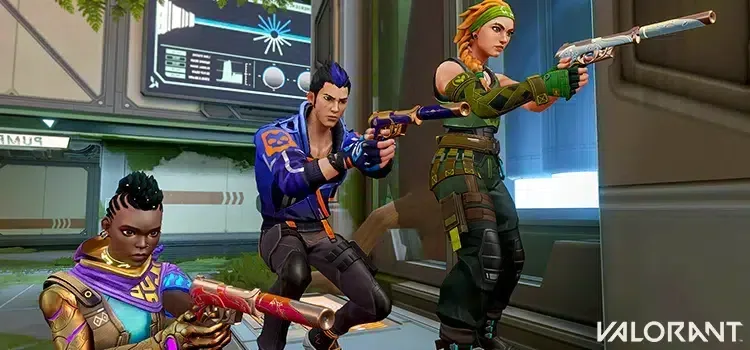
due to an unnoticed problem on the players' computers valorant won't open However, the following steps can be tried and resolved.
Verify the game's file integrity
One of the things that causes players to have a lot of problems is the lack of game files. Since Valorant is a game that is constantly being improved, it regularly receives updates. Some files may be damaged when there is no stable internet connection while downloading these updates.
As a result, the game does not open properly. When you have a problem-free internet connection, you can verify the game files and ensure that the missing or damaged files are corrected.
Complete driver updates
You come across this solution method very often. The reason for this is that current drivers ensure compatibility with new games. If you haven't updated the driver from the day you bought your computer, it may be time. Three lots of software are available to update the driver.
You can easily download and install the latest version of the hardware you use on their own sites. Don't forget to restart your computer after updating your drivers.
You May Also Like: God of War Out of Memory Error Solution
Download the game from the very beginning
If you applied the directory above, but you couldn't get any results, you can also try to remove the game completely and install it from scratch. VALORANT not opening problem Make sure you have a healthy internet connection while downloading the game from the beginning to avoid encountering it. We recommend restarting your modem before you start downloading.
Follow Riot Games Twitter Account
Valorant won't open problem Today, it can annoy the players. However, the game may not be opened or stuck on the login screen may not be due to you. They may have stopped the entries due to the update to be brought to the game or for a different reason. You can learn about the latest developments and announcements about the game by following the Riot Games Twitter account.
Result
VALORANT not opening problem When we prepared for those who met with, we included various solutions. If there is a topic that you are stuck with, you can send it to us in the comments section. In addition, we gather the solutions of the errors encountered in other games together. Error and Solutions You can visit our category.