
 Add as a preferred source
Thanks to the updates for PUBG, the game experience is being improved. But pubg update not received Unfortunately, some players cannot access new content due to the problem. In this content we will include pubg update problem solutionswill enable new versions to be installed.
pubg update not received: what to do?
Improvements on performance for PUBG game and various meta-changes increase the level of competition, while offering a more fluent game. But pubg update not received error, Prevents downloading of new game files.
New updates for PUBG are distributed to each region in a certain order. Therefore, some players can download the new version early. However, after the update was released, a lot of time has passed. pubg update not coming It will be possible to solve this problem thanks to the following solutions.
pubg update problem solutions
- Verifying pubg game files
- Checking the status of servers
- reset the modem
For the update problem, you can try the solutions in the list in order. Let's look at the details of all the solution methods.
Verifying pubg game files
In some cases, lack of files may cause the new update not to appear on Steam. pubg update not received Players who complain can first try to verify the integrity of the game files.
When the game files are verified on Steam, the missing and current files will be downloaded. We recommend that you do not take any action on the computer during the file verification process. After the process is complete, you can start the game by closing and reopening Steam.
You may be interested: PUBG Dear Names 2025: PUBG Couple Nicks!
Checking the status of servers
If there is a problem with the game servers pubg update problem It is quite normal to encounter. If the new update is not downloaded due to the server problem, there is no solution other than to follow the announcements to be made from the PUBG Twitter account. However, in this process, you can try to download the update periodically.
You May Also Like: League of Legends Reconnect Error Solution
reset the modem
PUBG Many of the problems experienced when installing new updates for the internet can be caused by instantaneous breaks or slowdowns in the internet connection. When the modem is on for a long time, connection quality may decrease and there may be problems in downloading updates. In such cases, turning the modem off and on or completely resetting will renew your connection and download the updates without any problems.
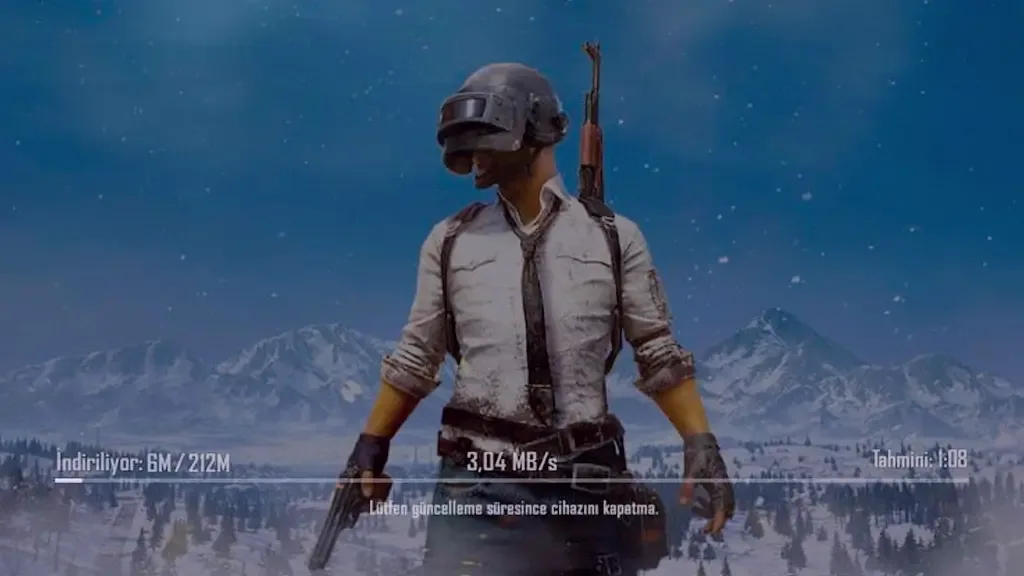
How to make PUBG MOBILE new update?
- First, start the PUBG MOBILE game.
- Wait for a new update scan to end on the Game Login screen.
- If there is a new update for PUBG MOBILE "updateTap the " button.
- Restart the game after the download is complete.
PUBG MOBILE update not received problem After thawing, you can update the game files by following the above steps. We would like to remind you that your phone must have sufficient storage space for the update to be installed.
Result
In this article pubg update problem We have included various solutions for If you have encountered a similar problem, you can apply the methods we share in our content. In addition, if there are different methods known for solving the problem, you can share it with us in the comments section and contribute to the development of our community.