
 Add as a preferred source
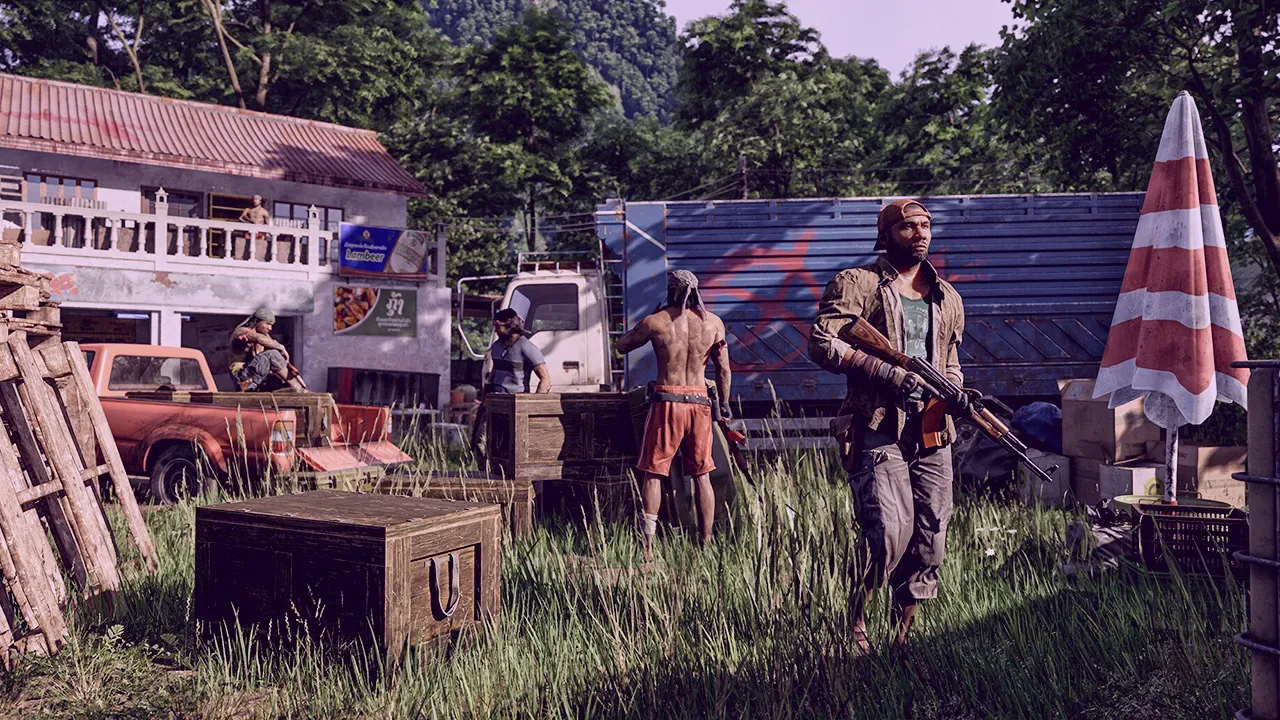
Gray Zone Warfare, which offers players a magnificent first-person shooter experience with its realistic graphics, debuted with some performance problems. If you are experiencing performance problems, Gray Zone Warfare Best Graphics Settings And thanks to FPS boost tips, you can enjoy the game more.
Gray Zone Warfare What are the best graphics settings?
Image
- Window Mode: Fullscreen
- Display Resolution: 2560 x 1440 or 1920 x 1080
- Vertical FOV: 60
- vsync: off
- Brightness: 120
- Contrast: 115
- saturation: 115
- gamma: 103
- Frame Rate Limit: 120fps
- Frame Rate Limit: 60 FPS
Quality
- Quality Presets: Custom
- 3D Resolution: 67
- Global Illumination: Low
- Shadow Quality: Low
- Texture Resolution: Low
- Effects Quality: Low
- Reflections Quality: Low
- Foliage Quality: Low
- postprocessing
- Post Processing: Low
- Motion Blur: None
- Sharpening: 10
- ColorBlind Mode: Off
- Colorblind Mode Strength: 0
Advanced
- Anti-aliasing/upscaling method: FSR
- Anti-Aliasing Quality: Off
- NVIDIA DLSS Super Resolution: Auto
- NVIDIA DLSS Sharpness: 0
- NVIDIA Reflex Low Latency: ON
- FidelityFX Frame Generation: ON
- FidelityFX Super Resolution: Quality
- Xess Super Sampling: Quality
Above Gray Zone Warfare Best Graphics Settings Thanks to this, you can see your opponents more easily by obtaining the best image in the game. If you have better than the hardware specified in the system requirements of the game, in these settings "Texture ResolutionYou can make the graphics look better by changing the " option to Medium or High.
Gray Zone Warfare FPS Boost Tips
The best thing to do to upgrade FPS in Gray Zone Warfare is to play with graphics settings. In particular, it is necessary to reduce the settings that tire the video card such as shadow quality, post processing and global illumination.
In addition, the fact that the video card drivers are up-to-date will positively affect the FPS value. The most up-to-date drivers should be installed on the websites of NVIDIA, AMD or Intel brands by completely removing the existing video card driver from the computer. Don't forget to make general settings after installing the current video card drivers!
You May Also Like: 5 Best Minecraft Texture Packs
Windows Power Mode"High performance"Setting to "Grey Zone Warfare will help you play the game at high FPS. When you make this setting, your processor will always work with 100% performance and provide a stable gaming experience.
Deterioration in game files directly affects the FPS value. Therefore, you must perform the file verification process. You can start file verification from the Steam library. How long this process will take will vary depending on the internet speed and the number of corrupted files.
Check your computer with Gray Zone Warfare system requirements to check if it has enough hardware. Learn about system requirements Gray Zone Warfare Best Graphics Settings To find out if you can play with playerkonseyi.com/gray-zone-warfare-system-needs/ You can click the link. If your hardware does not meet the minimum system requirements, it is time to assemble a more up-to-date system.
Result
In this guide we have Gray Zone Warfare Best Graphics Settings It is just performance oriented. If you want to get a little better image"Texture Resolution", "Post Processing" and "Shadow Quality" You can upgrade settings such as In which setting are you playing the game? You can share your answers with us in the comments section.