
 Add as a preferred source
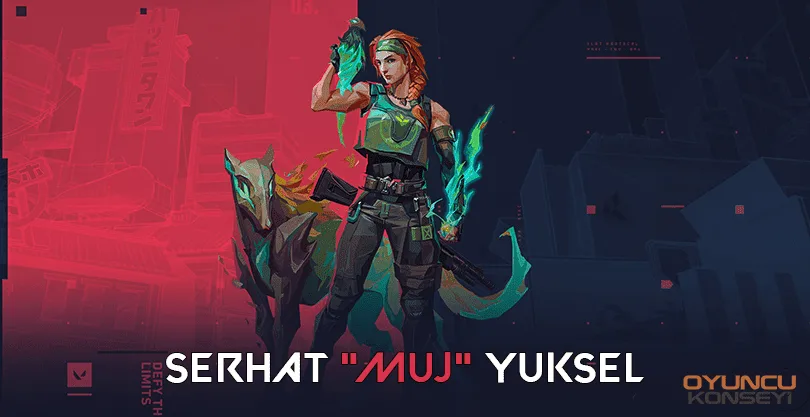
BBL Esport is among the best Valorant teams. However, they have made a radical change in order to overcome the recent setbacks. With this substitution, the BBL family gained a new member. Muj, who enjoys the audience with his flashes, will now continue his career within BBL. Players who want to play better games and contribute more BBL Muj Valorant Crosshair Settings What is it? They began to ask the question often.
What are the BBL Muj Valorant Crosshair settings?
Muj is a very successful player in the Valorant e-sports arena. He is a dazzling player with his ability to read the game and his success in one-on-one struggles. The fact that such a competent player is within the body of BBL also excites us. The compatibility with the team will increase considerably with the matches he will play with the BBL esport players. So bbl esports It will be in a much better position. You can create a guide for yourself with the in-game settings of Bbl Muj below.
- mouse sensitivity settings
- In-game sensitivity: 1.2
- zoom sensitivity multiplier: 1
- Inner line settings
- Show Inner Lines: Closed
- Inner line transparency: 1
- Inner line length: 5
- Inner line thickness: 2
- Inner line distance: 0
- Movement error: Closed
- Ignition error: Closed
- Outline settings
- Outline transparency: 1
- Outline length: 0
- Outline thickness: 0
- Outline distance: 0
- Movement error: Closed
- Ignition error: Closed
BBL Muj Valorant Crosshair Settings If our guide is useful for you, you can specify it in the comments section. The above settings are completely personalized settings. However, after applying these settings, you can create a guide for yourself. If the settings of Bbl Muj are suitable for you, you can continue using it. Of course, after you change these settings, you will not be able to make hits like bbl muj, we would like to point out that this is an additional one.
You May Also Like: Skyrim Alchemy Guide