7 Days to Die Cheats and Console Commands

This content was independently prepared by the Oyuncu Konseyi editorial team. Sponsored and partnership content is always clearly labeled. Details: Editorial Standards
Table of Contents
Players who are tired of fighting zombies in the game, 7 Days to Die Cheats and Console Commands It can double the fun. 7 Days to Die surviving can be difficult after a point. You have to fight against the zombie invasion that comes every 7 days. We will include in our article 7 days to die console commands You do not need to use any program for it.
7 How to use cheat codes to dies to die?
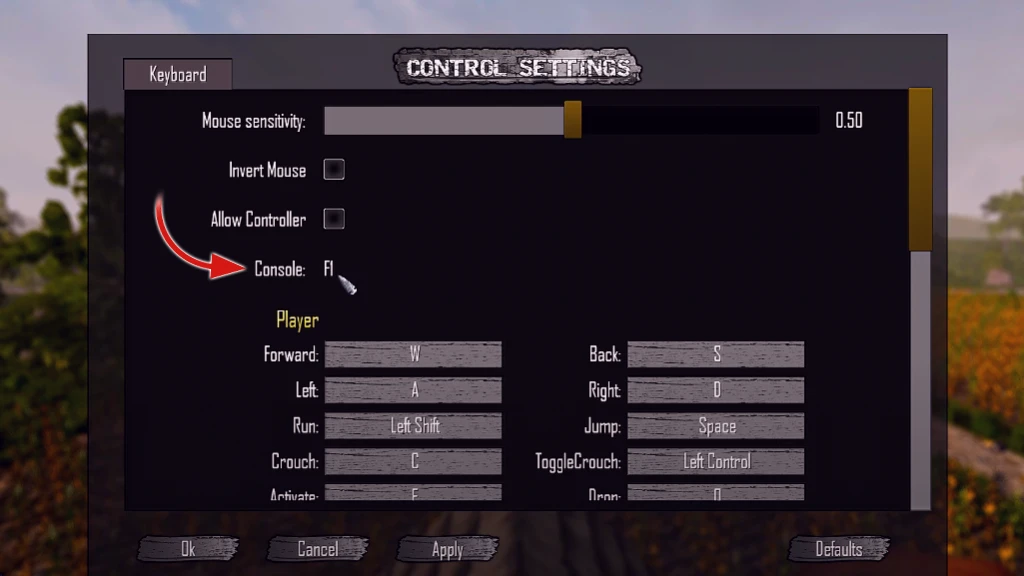
Players who want to download the game for the first time and open cheats”7 days to die where to write cheat codes?“He is wondering the answer to the question. In order to open the console where you can write the cheats, first”Moded OptionsFrom the “Menu”cheat mode“Setting”TenYou should change to “. Then after the game is loaded”F1You can open the console window where you will write the cheats by pressing the ” 7 Days to Die Cheats.
7 What are the days to die cheats and console commands?
Players who want to speed up the development process in the game 7 days to die cheats prefers to play with. Using cheats, for some players, cheats can be used in order not to lose the progress in the game in very difficult moments. In our list below 7 days to die item codes There are many console commands, including
7 days to die cheat codes
7 days to die cheat codes You can write the code you want to use to play with the console window. We recommend that you use the codes carefully in order not to disturb the game or the server you are playing.
- GiveSelf (Item Name): It gives the item whose name it is written.
- GiveSelfSkillXP (Talent Name) (Quantity): Returns as many XPs as you specify.
- GiveSelfXP (Amount): It gives the character you play as much XP as you specify.
- Kill: Removes your goal.
- Killall: Find in the game kills everything.
- Listents: Shows animals, players, and zombies on the loaded map.
- CreativeMenu: Activates the creative menu.
- DM: Turns on developer mode. You can be immortal by using the G key in this mode.
- ListPlayers: Players on the server can use the health status, ID, etc. lists with information such as
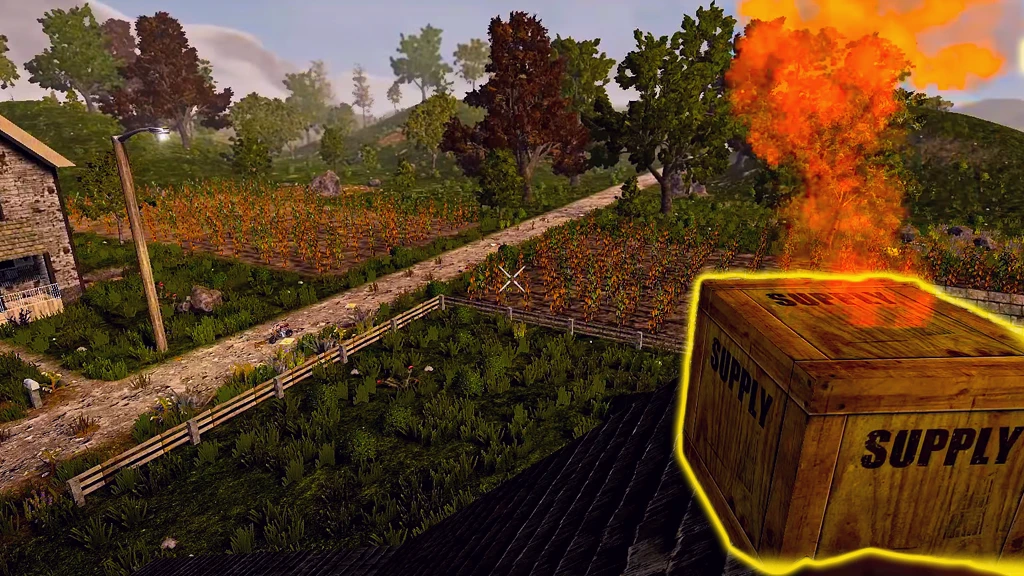
- SpawnAirDrop: Calls Air Drop that hosts valuables.
- Spawnwanderinghorde: Calls the zombie army.
- WeatherSurvival (ON/OFF): Turns the effects of the weather on or off. If you make ON, your character will be affected by adverse conditions in cold weather.
7 days to die item codes
If you have trouble finding items that will strengthen your character against zombie invasion, 7 days to die item codes You can get the item you want with it.
- Steel Armor Schematic: ArmorsteelChestschematic
- Steel Boots: ArmorSteelboots
- Steel Chest Armor: ArmorsteelChest
- Steel Gloves: Armorsteelloves
- Steel Helmet: Armorsteelhelmet
- Steel Leg Armor: Armorsteellegs
- Swat Helmet: Armorswathelmet
- Military Boots: ArmorMilitarBoots
- Military Gloves
- Military Vest: ArmorMilitaryVest
- Mining Helmet: ArmorminingHelmet
- Iron Boots: ArmorIronboots
- Iron Gloves: ArmorIroRoVes
- Iron Helmet: ArmorironHelmet
In this content 7 days to die cheats Shared for entertainment purposes only. While there are foreign players on your server, be careful not to use cheats to not interrupt their game pleasure. game cheats By clicking on the category, you can access the console commands we share for other games.