
 Add as a preferred source
JNLP files still appear in some Java-based business applications, remote access tools, and older web services. If nothing happens when you double-click one, or Windows asks which app should open it, that can be normal on a modern Java installation.
What Is a JNLP File?
JNLP stands for Java Network Launch Protocol. A JNLP file does not usually contain the full Java application. Instead, it contains XML-based information about where the application should be downloaded from, which Java environment it needs, and which resources should be loaded.
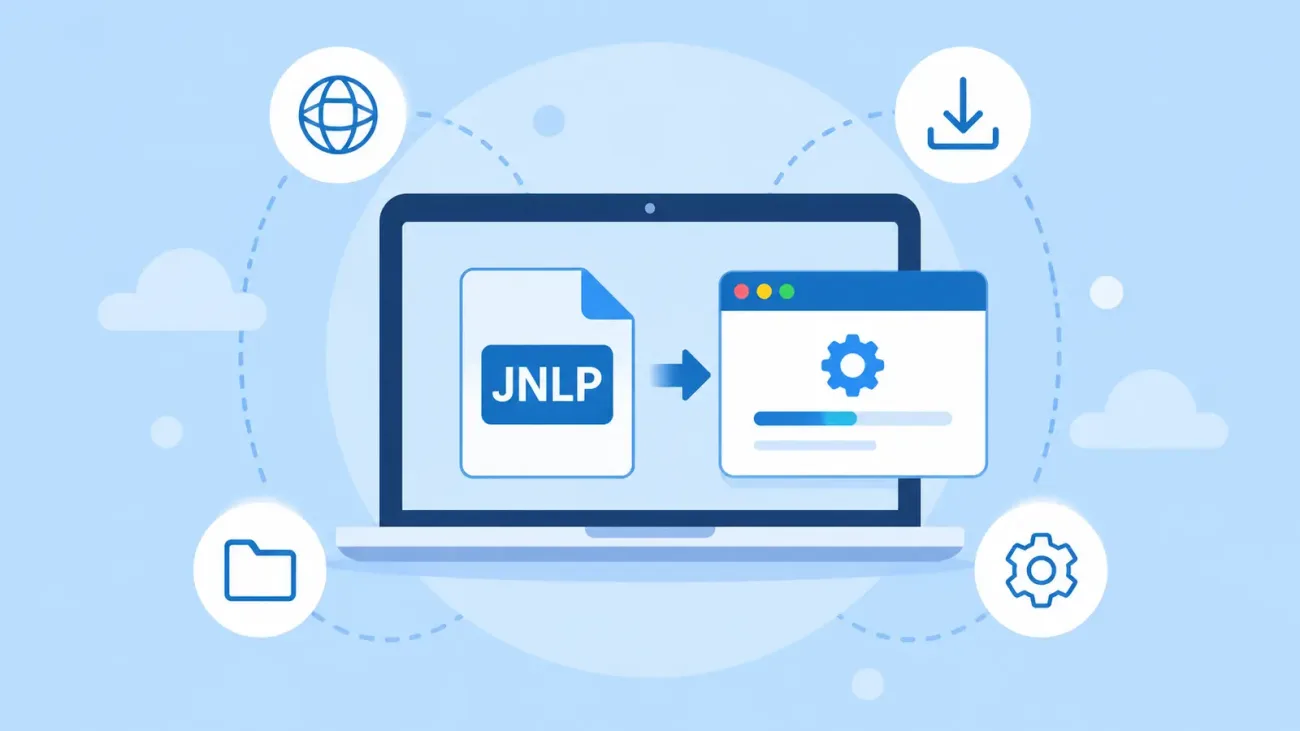
When a compatible launcher opens the file, it reads those instructions, downloads the required Java components and application resources, and then starts the application. That is why a JNLP file should not be treated like a normal standalone executable.
How to Open a JNLP File in Windows
Installing Java alone is not always enough on current Windows systems. Oracle removed the old Java Web Start component from modern Java releases, so JNLP applications may need a separate launcher such as OpenWebStart.
After installing OpenWebStart, associate JNLP files with it. If file association was enabled during setup, double-clicking a JNLP file should be enough to start the process. The first launch can take longer while the required Java runtime and application resources are downloaded.
Are JNLP Files Safe?
A JNLP extension does not make a file safe by itself. The launcher can download additional Java components from the internet, so the source of the file matters. Do not run a JNLP file from an unknown email or an untrusted website.
If the file comes from your workplace, bank, public service, or another service you recognize, verify that the download address really belongs to that organization. Read signature and security warnings before accepting them, and stop if the application asks for permissions you did not expect.
How to Run a JNLP File with OpenWebStart
- Install OpenWebStart on the computer.
- Enable JNLP file association during setup.
- Double-click the JNLP file you want to open.
- Wait while required Java components are downloaded.
- Review any security warnings.
- Launch the application.
If Windows does not open the file with OpenWebStart automatically, right-click the JNLP file, choose Open with, and select OpenWebStart as the default app.
You May Also Like: What Does Private DNS Do on Android?
What to Do If a JNLP File Will Not Open
Start by checking the file association. If Windows is trying to open the file in a browser, text editor, or another app, the correct JNLP launcher may not be selected.
If the correct launcher opens but the application still does not start, the remote resources listed in the JNLP file may no longer be available. If the server is offline or the application files have moved, changing local Java settings may not solve the problem.
Frequently Asked Questions
What program opens JNLP files?
JNLP files need a Java Web Start compatible launcher. OpenWebStart is one option for current systems.
Why won't a JNLP file open with Java?
Modern Oracle Java releases no longer include the old Java Web Start component, so installing Java by itself may not be enough.
Can a browser open a JNLP application directly?
Modern browsers usually download the JNLP file instead of launching the application. The downloaded file then needs to be opened with a compatible launcher on the computer.