
 Add as a preferred source
Discord, one of the most popular free voice communication programs, is becoming more efficient thanks to bots written by some developers. The bots written by the developers are integrated into the servers with the token. Ok then What is Discord Token? How to get it? Let's give answers to the curious questions.
What is Discord Token?
Discord Token is the security key used to integrate the developed bots into Discord. Thanks to this token, authentication of users or written bots is done automatically. Along with the verification, it is ensured that the operations to be made through the Discord APIs are carried out without any problems. well, How to get Discord Token?
How to get Discord Token?
- Firstlyhttps://discord.com/developers/Sign in with the membership information of your Discord account.
- After logging into the developer portalNew ApplicationClick the button and specify a name for your application.
- Your app"SettingsOpen the " section "BoatClick on the " menu.
- Then "Add BotClick the " button and add a bot user for your application.
- In the token section at the bottom of the page where this process is done,copyClick the " button to copy the Discord Token you need to use for your bot.
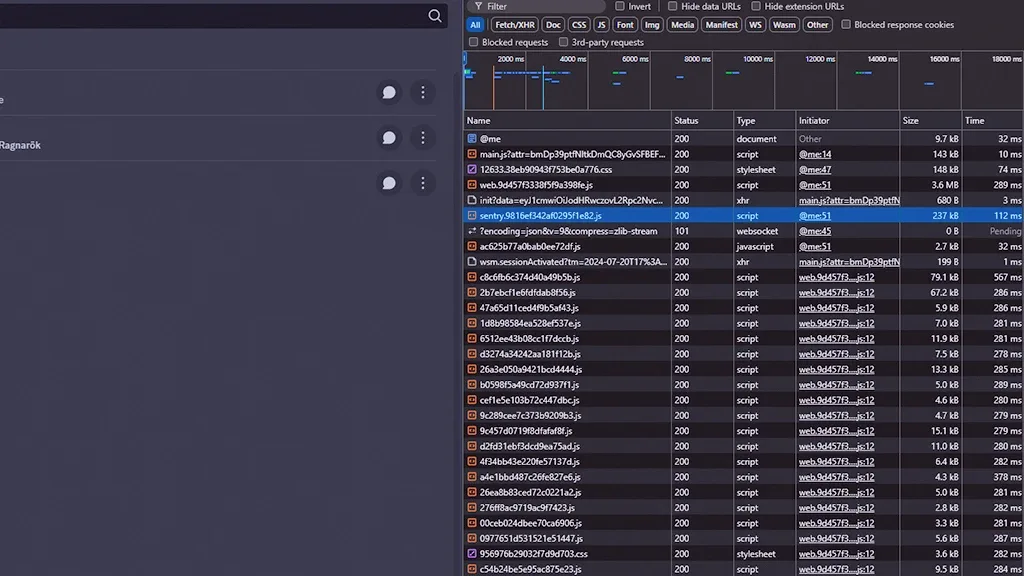
Congratulations! You have obtained the Discord Token. Since the Discord Token you bought is only for your application, everything can be edited thanks to this token. Therefore, under any circumstances, do not share this token with different people.
You May Also Like: How to Fix Google Play Download Pending
You may be interested: How to make discord invisible name?
How to change Discord Token?
If you have somehow lost or stolen the Discord Token you received, you don't have to worry or panic. Because it can be changed very simply. All you have to do to change Discord Token is to reset your password.
After you reset your account password, it is given to you privately. Discord Token will change. To copy the changed token, simply enter the settings menu of your application on the Discord Developer Portal. Go to the Token section from the Settings menu.copyYou can start using your new Discord Token by pressing the " button.
Result
In this article, those who want to develop bots for Discord servers are curious about "What is Discord Token?We have answered the question. You can browse the technology category for more technology content.