
 Add as a preferred source
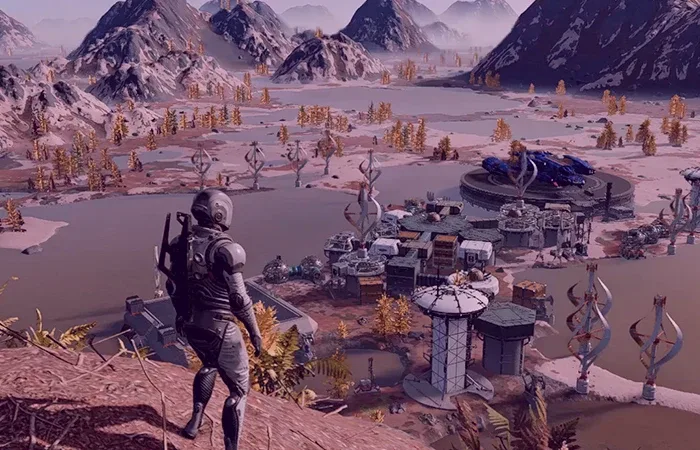
Although Starfield, developed by Bethesda Game Studios, has managed to attract the attention of players in many ways, most players in our country have difficulty in understanding the tasks and the story because there is no Turkish language support. In this article we will share Starfield Turkish Patch Pack, will make the tasks, correspondence and items in the game 100% Turkish and will be understood more easily by the players.
If you want to play the whole story in Turkish, you can use the Turkish patch package. Whether you have downloaded the game from Steam or Game Pass, we would like to point out that you can translate the game into Turkish with this patch package.
Starfield Turkish Patch Pack
These games developed by big companies such as Starfield unfortunately do not offer Turkish language support. Although the game does not offer Turkish language support, the texts in the game can be translated into Turkish with the developing technology.
The Turkish patch package that we will share for Starfield has also been prepared by the machine translation. Although there are a few inverted sentences as machine translations are automatically prepared, tasks, stories, questions from NPCs and items are generally understandable. All you have to do is to install properly by following the installation steps in order.
How to install Starfield Turkish patch?
- Firstly starfield turkish patch download Download the patch file to your computer by clicking on the link.
- Extract the application in the compressed file to the desktop.
- Scan for viruses to check for any viruses before starting.
- Then run the app and get it from the list "starfield"Select the game"downloadClick the " button.
- It will ask you to select the "starfield.ini" file in the folder where the game is installed.
- If you have installed the game via Xbox Game Pass "D:\Xbox\Starfield\Content", if you have installed it on Steam, by following the file path "D:\SteamLibrary\SteApps\Common\Starfield\Content" Select the starfield.ini file.
- Wait 10-15 seconds for the installation to complete.
After following all the steps in order Starfield Turkish Patch Pack will be installed without any problems.
You May Also Like: Cities: Skylines Turkish Patch (100% Turkish)
Will Starfield Turkish Patch Pack work in Game Pass?
Yes, the Turkish patch package we share in our content Game Pass It works in version. During the installation, it will be enough to select the Xbox folder instead of Steam and continue the steps in that way.
What version is the Turkish patch package compatible with?
This patch pack Starfield version 1.10.31.0 compatible with. Before installing the patch package, we recommend that you check whether a new update comes to the game via Steam or Xbox.
Result
In this article, we are here with the Starfield Turkish Patch Pack, which allows the game to be played in 100% Turkish language. We would like to remind you that this patch package is not prepared by us and that we will not accept responsibility for any problem. Turkish patch packages prepared for other games Oyunkonsei.com/turkish-yamalar/ You can browse through the link.