
 Add as a preferred source
One of the best games in the game world, The Elder Scrolls V: Skyrim continues to be played by many players today. The mod packs developed by the players bring Skyrim to different levels. If you plan to play the whole story in your own language after modding the game Skyrim Turkish Patch Pack We recommend that you install it.
How to Install Skyrim Turkish Patch Pack?
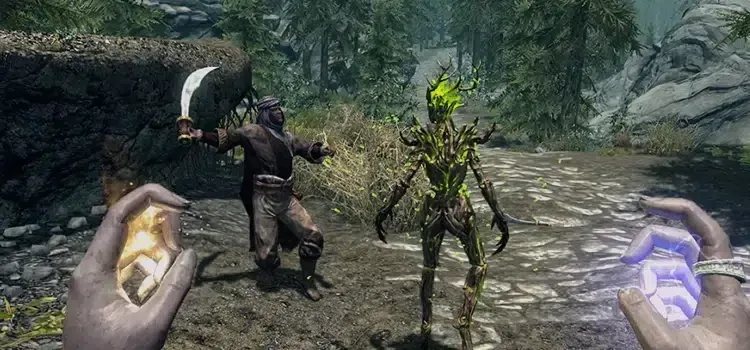
The Elder Scrolls V: Skyrim It was one of the best games of its time. It has now reached a lot of content thanks to the DLC packages released for the game. Since the game works on almost every computer, it can be played fluently by the players. Thus, it can offer a very good gaming experience. If you have difficulty understanding tasks in the original language of the game, you can follow the steps below and learn the tasks, conversations and other written content in the game. Turkish You can translate it into language.
- First run Steam as administrator.
- Enter the Steam Workshop and in the Search section " The Elder Scrolls V: Skyrim write and search.
- Click on the search section again in the Steam Skyrim workshop that opens in front of you and this time search by typing "Skyrim Turkish patch".
- The first in the search results is " Skyrim Turkish Mod (Turkish Skyrim Pack by Crewals) Click the "mod package".
- Finally, press the subscribe button and wait for the installation of the Turkish patch to complete.
The Elder Scrolls V: Skyrim Turkish Patch Installation It's that simple. When you do everything in order, you will have completed the installation process without any problems. However, if there is a point that you cannot do or get stuck, you can specify it in the comments section. SPECIAL FOR OTHER GAMES Turkish patches You can visit the relevant category for We wish you pleasant games!
You May Also Like: Evil West Turkish Patch Pack (100% Turkish Translation) How to Install Turkish Patch?