
 Add as a preferred source
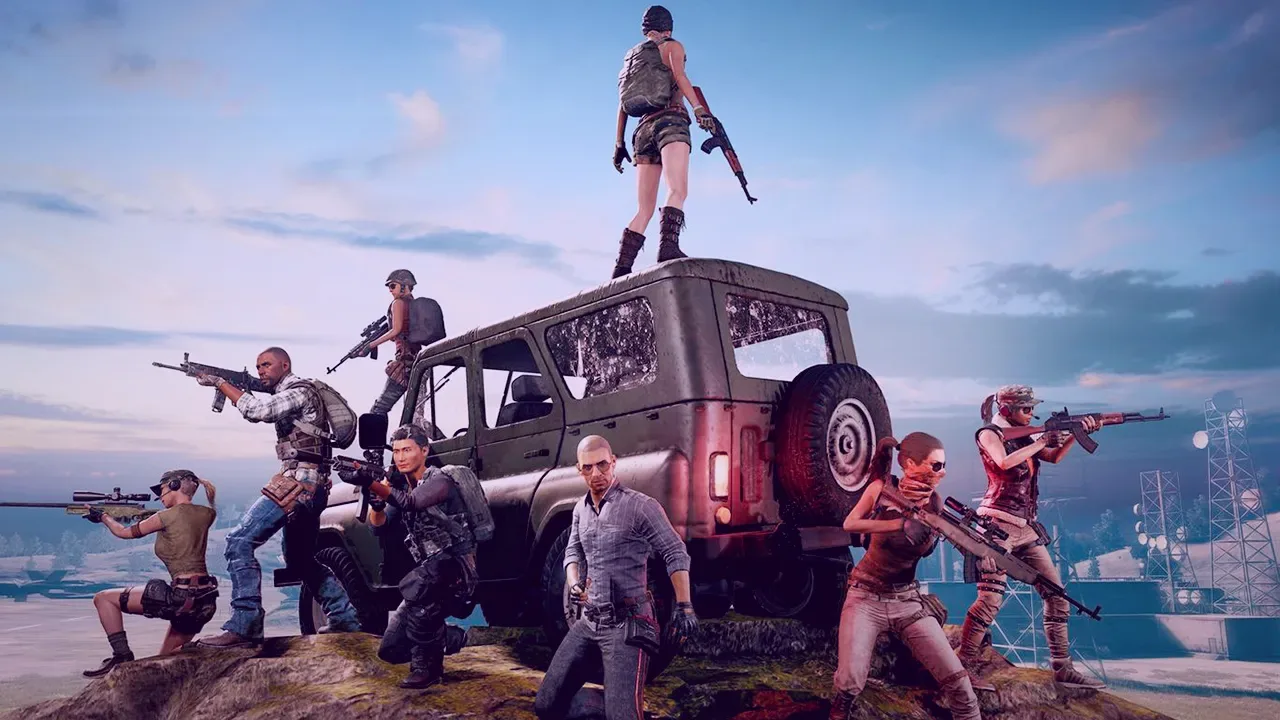
It will allow you to see the opponents in the game comfortably. pubg graphics settings You can get much more kills with. The settings we will include in this article help you react faster than other players by reducing the details in the game. Without further ado, let's share the settings...
pubg graphics settings 2024
You've seen pubg-game graphics settings in many places so far. we recommend pubg graphics settings On the other hand, it will not tire your computer too much and will help you play a little better.
We would like to remind you that you need to have computer hardware that can be called intermediate level today in order for these settings to work stably. If you have an old computer, you will most likely experience FPS drops or instant drops after applying these settings. Here are the in-game settings,
- Display Mode: full screen
- Lobby FPS Cap: unlimited
- In-Game FPS Cap: Unlimited (Smoothed Frame Rate: Disable)
- Brightness: 60
- Universal Brightness for All Maps: enable
- Render Scale: 100
- Anti-aliasing: high
- Post-Processing: low
- Shadows: low
- textures: high
- Effects: low
- foliage: low
- View distance: high
- Sharpen: disable
- V-sync: disable
- Motion Blur: disable
- DirectX version: 11
You can get a good look with the above settings. If you want much more clarity render scale You can increase the setting. However, when you increase this setting, the FPS value will decrease significantly.
You May Also Like: How to Play Vampire Villager
If you have an up-to-date video card and processor, it will not be affected much by this situation. The higher the anti-aliasing, the easier you can choose your opponents. If you set it to low or too low, it may be difficult for you to see the opponents as the characters and the surrounding models will be scratched around.
It will be enough to make post-processing medium. Shadow adjustment is very important in competitive games. You can see the shadow of your opponent and take the position without seeing you. Especially if you are waiting somewhere in the building or in the corners, you can see the shadow of your opponents more clearly with the quality shadow setting.
Result
We hope you enjoyed the in-game graphics settings we recommend. do you think the best pubg graphics settings What are they? You can share your own settings in the comments section. More Game Guides You can visit the relevant category for