
 Add as a preferred source
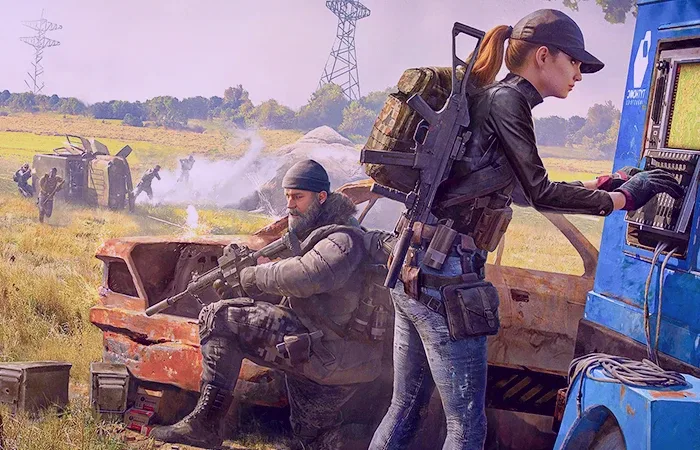
PUBG custom resolution setting, is curiously researched by most of the players. Apart from the resolution options offered by the screen, you can gain an advantage over the rival players in competitive matches by making personalized settings. PUBG offers players the opportunity to change the resolution in this regard. In this article, it makes the opponents look more comfortable. PUBG 1728 x 1080 resolution We will share information about and what needs to be done to play in this resolution.
PUBG Custom Resolution Setting
- First, enable resolution of 1728 x 1080 from NVIDIA or AMD video card settings.
- Then by following the path "AppData\local\tslgame\saved\config\windowsnoeditor"gameusersettings.iniOpen the file named ".
- Press Ctrl+F in the notepad that opens andresolutionsizexSearch for the word ".
- The number 1920 in the routed line as a result of the search1728and save the settings.
You can apply the custom resolution setting without any problems by following the steps above. After completing these processes, run the game from Steam and enter the game settings. 1728 x 1080 will be selected in the resolution options. If it is not selected, you can change it yourself.
How to set PUBG NVIDIA 1728 x 1080 resolution?
- Right click on an empty place on the desktop and "NVIDIA Control PanelClick ".
- In the NVIDIA Control Panel "Resolution changeEnter the " menu.
- Click the "Customize..." button at the bottom of the screen that opens.
- Finally "Create custom resolutionClick the " button to type 1728 in the box that says 1920 and test it.
- If there is no problem during the test, save the settings on the screen that opens.
When all operations are done in order, the screen resolution of 1728 x 1080 will now be available. You can use this screen resolution in other FPS games as well.
How to set PUBG AMD 1728 x 1080 resolution?
- First, right-click anywhere on the screen on the desktop and click on the "Amd Radeon Settings" option.
- On the screen that opens, click on the "Game" and "Screen" tabs, respectively.
- On the right side of the Display settings sectionCustom resolutionsClick the Create New button to the right of the " option.
- Scroll down the window that appears and change the box that says 1920 to 1728 in the "Timaling Screen" line.
- After everything is complete"CreateClick the " button.
To play with PUBG special resolution on AMD graphics cards, it will be enough to follow the steps above.
You May Also Like: Skyrim Dark Brotherhood Guide
What should be the recommended PUBG screen resolution?
PUBG custom resolution can be used for a better gaming experience and much better strokes. As we shared in our article PUBG Screen Resolution It should be 1728 x 1080. This resolution will not degrade the image quality and make objects appear a little wider.
Thus, the fine movements of the opposing players can be noticed more easily. You can easily send opponents to the main menu, especially when fired from the corners. We would like to remind you that the dimensions of the objects that appear wider on your screen do not change on the server side.
Result
In this content, we PUBG Custom Resolution Although the setting is very low, it will also increase the FPS value. What resolution do you use in PUBG? You can specify your answers in the comments section. To browse other game guides content https://oyuncukonseyi.com/oyun-rehberleri/ You can click the link.