
 Add as a preferred source
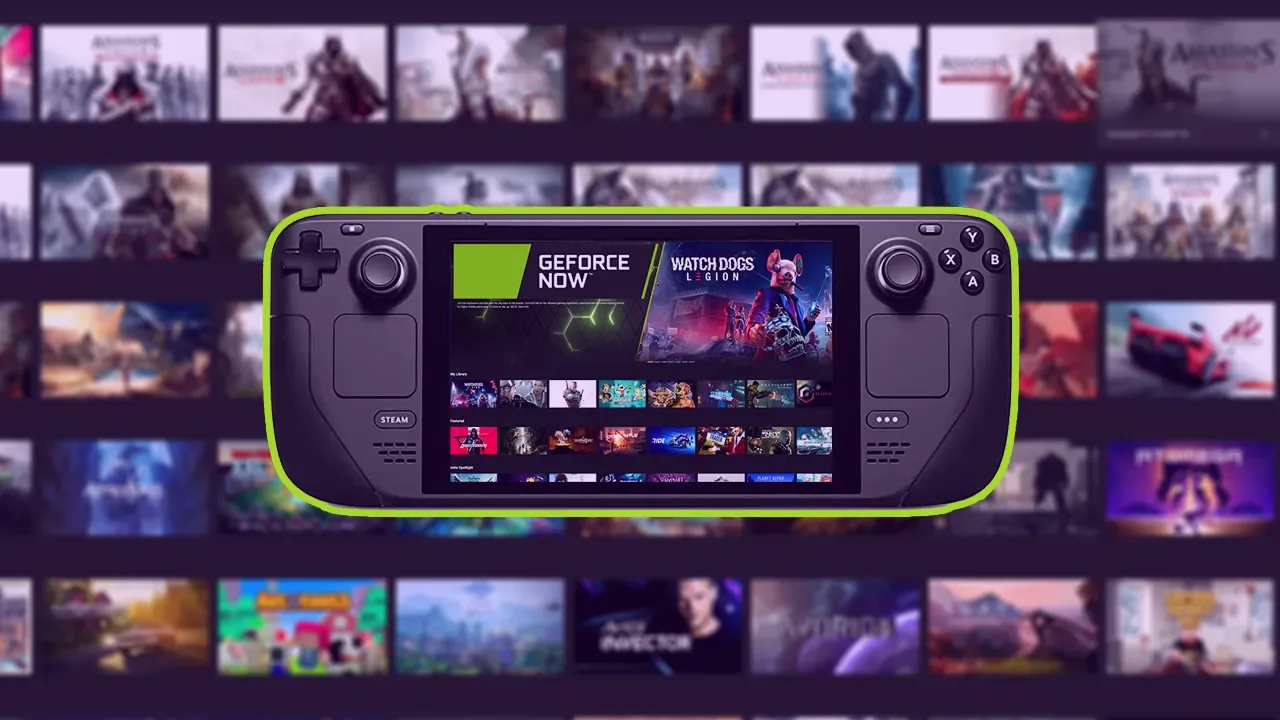
SteamOS-powered portable game console Steam Deck has not supported GeForce Now for a long time. With a script published by NVIDIA recently, it has become possible to access GeForce Now via Steam Deck.
With the publication of the script, some players wonderedDoes GeForce Now open in the Steam Deck console?" The question has also been answered. Let's see how the GeForce Now service will run on Steam Deck.
Steam Deck GeForce Now Run Steps
- First on Steam Deck"SteamPress the " key"powerto run the device in desktop mode from ""Switch to DesktopClick ".
- Download NVIDIA GeForce Now and extract the compressed file"geforcenow_setupRun the "Script".
- In the dialog window that opensyesClick the " button and go to the next step.
- Then "Return to Gaming ModeFrom the menus in the Steam library that opens by clicking "Non-Steamgo to the " part.
- GeForce Now in the library will look like a game and you will be able to access it when you click it.
How to manually install GeForce Now on Steam Deck?
- First of all, from the Steam Deck interface "SteamPress the " button andPower Menu"FROM"Switch to DesktopClick ".
- Open the Start menu andsystemClick " to open the console where you will enter the code required in the installation"consoleClick ".
- to the console"flatpak --user override --filesystem=/run/udev:ro com.google.chromewrite ".
- Back to the Steam Deck interface and log out.
- Click the Controller icon on the Google Start page.
- From the Current Edit section on the screen that opensGamepad with Mouse Trackpad"Select the layout.
- Finally, exit the controller settings and go to play.geforcenow.com via Chrome and play the game you want.
How much internet does GeForce Now need?
With the GeForce Now service offered by NVIDIA, it is necessary to have at least 25 Mbps download speed to play games at 720p resolution 60 FPS and 60 FPS at 1080p resolution.
You May Also Like: What Is the EA App and How Do You Install It? Do You Need It for EA Games on Steam?
How many FPS does GeForce Now give in Steam Deck?
Since the GeForce Now service is cloud-based, the Steam Deck also offers a 60 FPS gaming experience on the portable game console. Even if virtual machines give 100-120 fps, the image will be a maximum of 60 fps.
GeForce Now How many games are there?
There are more than 1500 games in the GeForce Now library. Over time, the game library expands, giving players the opportunity to access a variety of games.
Result
This guide is in our content Steam Deck GeForce Now Installation We have shared the steps to be followed in detail. If you encounter problems during the installation phase, go back to the first step and be sure to complete each step. If you want to take a look at more technology content, now OyunKonsei.com/Technology/ You can click on the link!