
 Add as a preferred source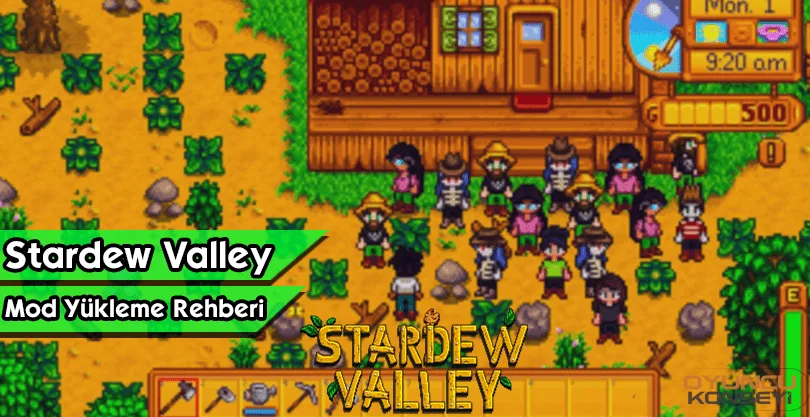
Although Stardew Valley stands out as a wide-ranging game, it has some shortcomings. The developers of the game have allowed you to make mods and so far many mods have been made for game. How to install Stardew Valley Mod? You can learn how to install these mods with our guide. Happy reading.
How to install Stardew Valley Mod?
Installing mods in Stardew Valley is pretty simple. First, you need to download the mods that are suitable for your version. Then you should upload it to the mods folder in the game folder. There is a main mode that is important for the game. acting as a mod loader SMAPIEstablishment is necessary for most mods to work and adapt to each other.
To install SMAPI, you must go to the website and download it from Nexus. After downloading the smap, move the files in it to an empty folder and run it. When you open the SMAPI, a command prompt will appear in front of you. A question will arise before you. You should say 1 to this question. Then the installation process will take place on the directory where Stardew Valley is installed. However, we recommend using mods that are compatible with the game. Otherwise, you may encounter some bugs in the game. Do not forget to backup the game before installing your favorite mod packages. In this way, you can go back to the old records when there is a problem.
we have prepared for you Stardew Valley Mod How to Install Guide You can make the game better. More Stardew Valley and Game Guides You can subscribe to our newsletter.
You May Also Like: Minecraft Cake Making Guide! What Is the Simplest recipe? How Is It eaten? DETAILED EXPRESSION