
 Add as a preferred source
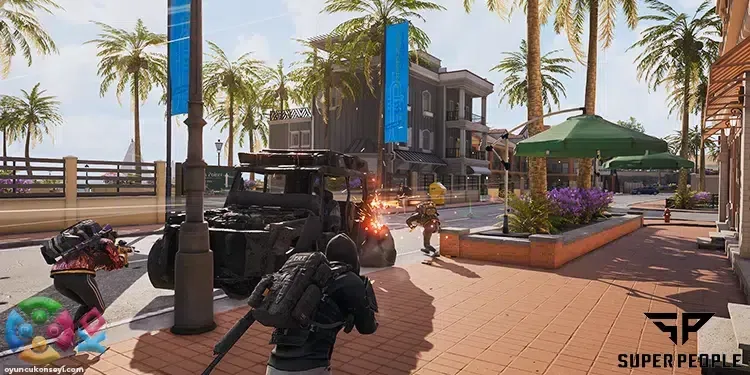
Players who love the Battle Royale game genre were eagerly awaiting Super People, which offers an unusual gameplay experience. Super People has now taken its place in the game world with the early access process. Since the game is in the early access stage, most players may experience stuttering or freezing problems. Super People FPS Boost With the methods, you can overcome the stuck and low FPS problems in the game.
Super People FPS Boost Methods
Super People is a game that is just at the beginning of the road and is constantly evolving. There were also processes where players could experience the game before exiting with early access. Developer company Wonder People, which has made the game much better thanks to the feedback received from the players in these processes, started the early access process on October 9, 2022. Although they can offer a better gaming experience at the moment, there are still players who have FPS problems.
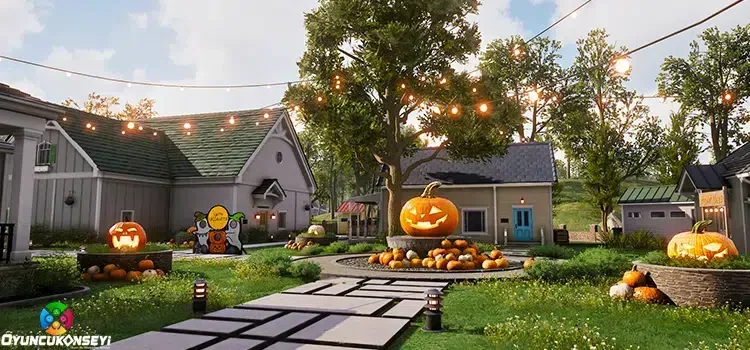
Super People FPS Boost Methods The settings we will include will not be performance-oriented alone. After making these settings, you will see the opposing players more easily and you will have solved the FPS problems to some extent. Since the computer that everyone uses has different hardware, the gains you can get after the following methods may vary.
Super People Graphics Settings
In-game graphics settings are the basis of the FPS problems experienced throughout the games. If your graphics settings in the game need much higher power than the computer hardware you use, you cannot get a fluent gaming experience. Although the importance of the graphics and the atmosphere in the games with the story is very important, it is important to make the graphic settings that will put you ahead in the competition rather than the graphics in the Super People style Battle Royale games.
- display settings
- Display Mode: Fullscreen Exclusive Mode
- resolution: 1920 x 1080
- Nvidia DLSS: enable
- Nvidia Reflex: Enable + Boost
- Verticle Sync: disable
- Advanced Settings
- FPP Mode FOV: 110
- textures: medium
- Shadows: very low
- View distance: high
- foliage: very low
- Effects: very low
- shader quality: very low
- Anti-aliasing: high
- Post Processing: low
- Depth of field: disable
- Advanced Global Illumination: enable
- DirectX version: directx 11
You May Also Like: Rainbow Six Extract How to Level fast?
We hope that we have prepared for you Super People FPS Boost You like the guide. In this content, we have shared with you the settings where you can get the maximum FPS value without disturbing the appearance. You can send us how these settings work in the comments section. More Game Guides You can browse the relevant category for.