How to Increase FPS in Starfield

This content was independently prepared by the Oyuncu Konseyi editorial team. Sponsored and partnership content is always clearly labeled. Details: Editorial Standards
Table of Contents
Action role-playing game developed by Bethesda Game Studios starfield, will be playable by everyone on September 6th. Starfield Deluxe Premium Edition Players who buy can log in to the game today, 5 days early. Some of the players who entered the game with the Deluxe Premium Edition package muscle problem states their experiences. Starfield FPS Boost When you follow the recommendations in this content, which we include methods, the FPS value will increase significantly.
What are the Starfield FPS boosting methods?
Since Starfield is a game that has just debuted, it is very normal to have minor stuttering or instant freezing problems due to some errors. When the game is updated, a much more fluent game experience will be obtained. However, until the update comes Starfield FPS Boost Recommendations, will help you get stable FPS and play the game a little more comfortably.
Change Starfield graphics settings
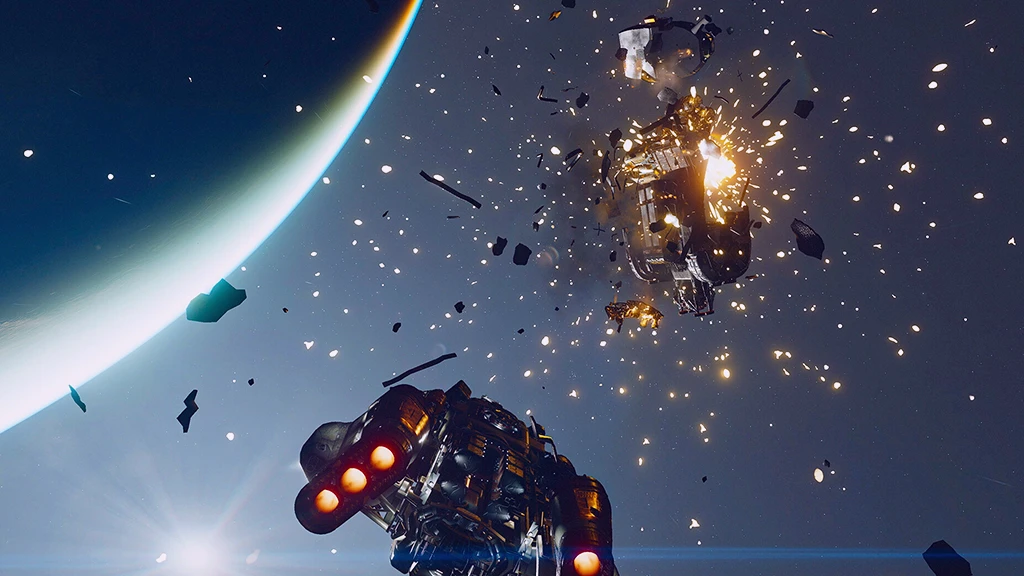
The best way to increase the FPS value in the game is to make minor changes to the graphics settings. Although Starfield does not have a huge graphic setting menu, it offers players four different ready-made graphics options. Instead of using presets, we suggested below. Starfield Graphics Settings You can earn a significant amount of FPS.
- Dynamic Resolution: Ten
- Render Resolution: 90% – 100%
- Graphics Preset: Custom
- Shadow Quality: medium
- Indirect Lighting: medium
- Reflections: medium
- Particle Quality: low
- Volumetric Lighting: medium
- Crowd Density: low
- Motion Blur: off
- gtao quality: low
- Grass Quality: medium
- Contact Shadows: low
- vsync: off
- Upscaling: FSR2
- Enable vrs: off
- Depth of field: off
Update video card drivers
Graphics card manufacturers are sharing updates for some newly released games. Thanks to this update, newly released games give much better performance. the video card driver you are using, DDU (Display Driver Uninstaller) You can install the latest video card driver without any problems by uninstalling it with the program.
Verify Starfield game files
In games with FPS problems, you can get a more stable gaming experience by verifying files. You can right-click the game on Steam and verify the file from the Properties section. Starfield File Verification After the process is completed, you can start the computer by restarting the computer. When you open Starfield, don’t forget to set the graphics settings again!
in the game Muscle and snagging problem you need to apply for Starfield FPS Boost These were the methods. After applying these methods, you will be able to experience the game more fluently. If there are other methods you know, you can specify them in the comments section. More Game Guides You can visit the relevant category for its content.