
 Add as a preferred source
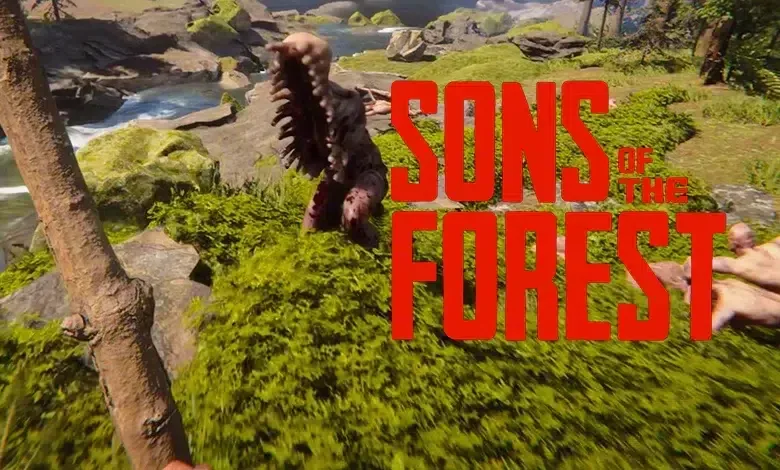
Sons of the Forest made a great debut the other day. The players have officially flocked. The graphics, animations and mechanics in the game are very well prepared. It has some issues with optimization as it is in the early access process. That's why some players play at low FPS values. in our content Sons of the Forest FPS Boost When you apply the methods, you will play the game fluently. However, we would like to remind you that some settings can reduce the graphic quality.
Sons of the Forest FPS Boost Guide
As soon as the game came out, too many players tried to set up their own teams. Although the first hours were a bit of a problem, most players were able to access the game in the following hours. The Forest 2 In this game, which we can say, a lot of attention has been given to graphics and environmental details. From the first moment you enter the game, you can feel the depth of the environment. Everything is fine so far, but the optimization problem in the game is a bit annoying. The following FPS boosting methods Thanks to this, you will receive high FPS.
Change Sons of the Forest graphics settings

We will first talk about the graphic settings in the Sons of the Forest FPS increase methods. If you can't play Sons of the Forest fluently, you can solve it by making some changes to the graphics settings. You can earn a lot of FPS, especially when you lower some settings. If you do not know which settings you should lower, you can apply what we recommend for you.
- Drawing distance: Middle
- Ambient lighting: Low
- Fog quality: Closed
- Co-hole coatings: Open
- Shadow quality: Low
- Clouds: Low
- Grass: Low
- water: Low
- Iraqi angle distance: Low
- Advertisement board quality: Middle
- Coating resolution: Full
- Antialiasing: FXAA
- Dynamic resolution: FSR 1.0 or DLSS (Quality option)
- Bloom: Closed
- Screen space reflection: Closed
- Motion blur: Closed
- Contact Shadows: Closed
- Chromatic deviation: Closed
Fix video card configuration
After updating your video card driver, some of your settings may be reset. Check the power management mode, which especially affects the performance of the video card. In the control panel of the video card, click Managing 3D settings, and then switch to the Program Settings tab. Here, select Sons of the Forest and change the power management mode to Prefer Maximum Performance. Thus, when you enter the game, your video card will give full performance.
You May Also Like: PUBG Mobile Sensitivity Settings: 2024 Current Settings!
Sons of the Forest FPS Boost Our guide was here. After making these settings, you can play the game fluently. hardware on your computer, Sons of the Forest System Requirements If it stays low compared to, you may not get very FPS. If there are other methods you know, you can specify them in the comments section. We wish you fun games.