
 Add as a preferred source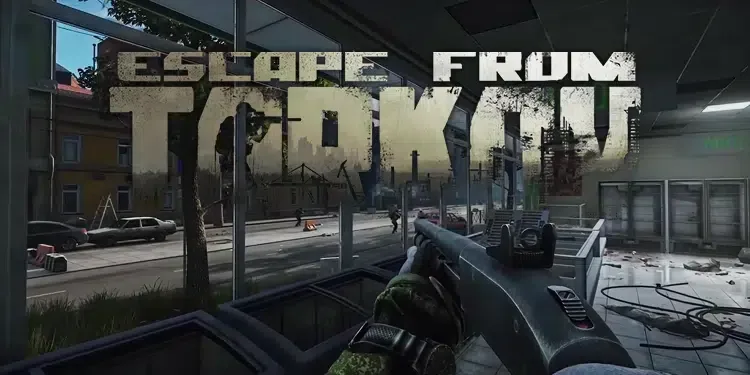
Escape from Tarkov is a booty sticker game that has been developed regularly since 2016. The game has been updated regularly since its first release. Although it is updated and optimized, the players EFT Low FPS Problem can meet. In this content we will describe Escape from Tarkov FPS Boost You can play the game more fluently by applying the methods.
Escape from Tarkov FPs Increasing Methods
Players looking for realism in games must play this game. Although the price of Escape from Tarkov is very high, when you enter the game, it is very successful in giving the feeling of fighting your enemies on a real map. Almost every model prepared for the game has been thought out to the smallest detail. In addition, the interaction of the weather conditions on the models helps you feel like you are experiencing the game.
Thanks to the updates, new content added to the game can cause serious FPS problems to players at first. Although some players can play the game fluently, players who have problems with optimization may encounter annoying things such as EFT instant hanging problems. We will explain below Escape from Tarkov FPS Boost methods will help you in this regard.
Escape from Tarkov Graphics Settings
If you want to play the game fluently at high FPS values, you need to make a few changes in the graphics settings. FPS oriented EFT Graphics Settings Although it reduces the image quality of the game a little, it will help you reach very good FPS values.
- Texture quality: medium
- Shadows Quality: low
- Object Lod Quality: 2
- Overall Visibility: 400 (draw to 1500 if you are using AWP)
- Anti-aliasing/NVIDIA DLSS: TAA High/Quality (varies depending on your video card.)
- Resampling: 1x OFF
- hba: off
- ssr: off
- Anisotropic Filtering: off
- NVIDIA Reflex Low Latency: Ten
- Sharpness: 0.2
- The bottom boxes: all closed
If you have a DLSS supported graphics card, the FPS you will receive from the game will be very high. Therefore, check the NVIDIA DLSS setting while making the game settings. If you can change this setting, be sure to enter the game after setting it to Quality or Balanced.
You May Also Like: Tales of Arise Start Guide
Graphics Card Settings and Driver Updates
Graphics Cards Driver Updates increase the performance you will receive from games. If you have not updated your video card so far, completely remove the video card driver installed on your computer. After downloading the current video card driver, do a clean install. After completing the installation, do not forget to set the power management mode to maximum performance from the video card settings. We can say that Escape from Tarkov is very effective in increasing FPS.
Verify game files
While downloading the Escape from Tarkov update, you may have downloaded a few files incompletely or incorrectly due to an error that occurred in your internet connection. This may cause you to encounter FPS problems in the game. After completing the update, you can verify the game files and have the files you downloaded check if there is a problem.
Escape from Tarkov FPS Boost We hope our guide has worked for you. The FPS values you will get after trying the above methods may vary depending on your hardware. However, we think you can reach the average FPS values. More Game Guides You can browse the relevant category for.