
 Add as a preferred source
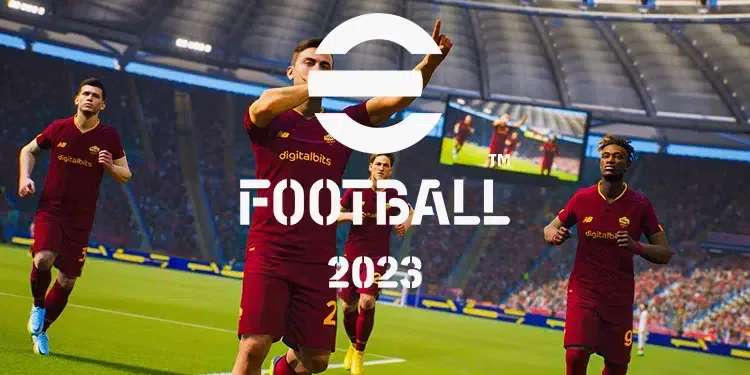
The free-to-play soccer game EFootball 2023 was developed by KONAMI and released on the Steam platform. The game had really big problems when debuting. Many games were having a hard time playing the game. With the updates made, we can say that the errors in the game have been fixed in general. Although most bugs have been fixed recently eFootball 2023 not opening problem were players who met. If EFootball 2023 does not open on your computer, you can try the solution methods in our content.
Steam Efootball 2023 Not Opening Problem
EFootball 2023, which can be played at no cost for those who love football games, can bore the players with some problems. Although it is sufficient in terms of graphics, some gameplay mechanics and AI system were not liked by the players. The update on 22 December 2022 includes improvements in many areas in the game. After the last update eFootball 2023 not opening problem Living players can try the following solutions.
See system requirements
If it does not meet the system requirements of the game with the computer you are using, you may not be able to open the game. Especially if your video card and processor are insufficient, it is time to collect a new computer. In a system with up-to-date hardware, you can play the games you want to play without any problems.
Update video card drivers and make settings
The problem that the players face is the eFootball 2023 Won't Turn On Problem is the outdated video card driver or incorrectly configured settings. You can download the latest version of the video card you are using from the website and make a clean installation. Don't forget to edit the settings in the video card control panel after installing the current driver.
Verify game file integrity
You May Also Like: Fivem Map Falling Under the Map Problem and Its Solution
If you are trying to enter the game with missing or faulty files, you will most likely hang out on the opening screen. Right click on the game in your Steam library and open the properties. Here you can verify the game integrity from the local files section. So you can download and fix the missing files. If you wish, you can completely remove the game and install the game from scratch.
Try running the game in windowed mode
If the above solution suggestions do not work, you can try running the game with a window. Due to some problems with average computers, you may not be able to run games in full screen. To start the game in windowed mode, open the game's properties from the Steam library and type " -windowed -noborder" in the startup options. When you run the game again, it will start with windows and without a frame.
Steam eFootball 2023 Not Opening Problem Solution These are our suggestions for. We hope that you can re-enter the game with these solutions. You can specify whether the problem is solved or not in the comments section. For informative content about other games Game Guides You can check our category.