
 Add as a preferred source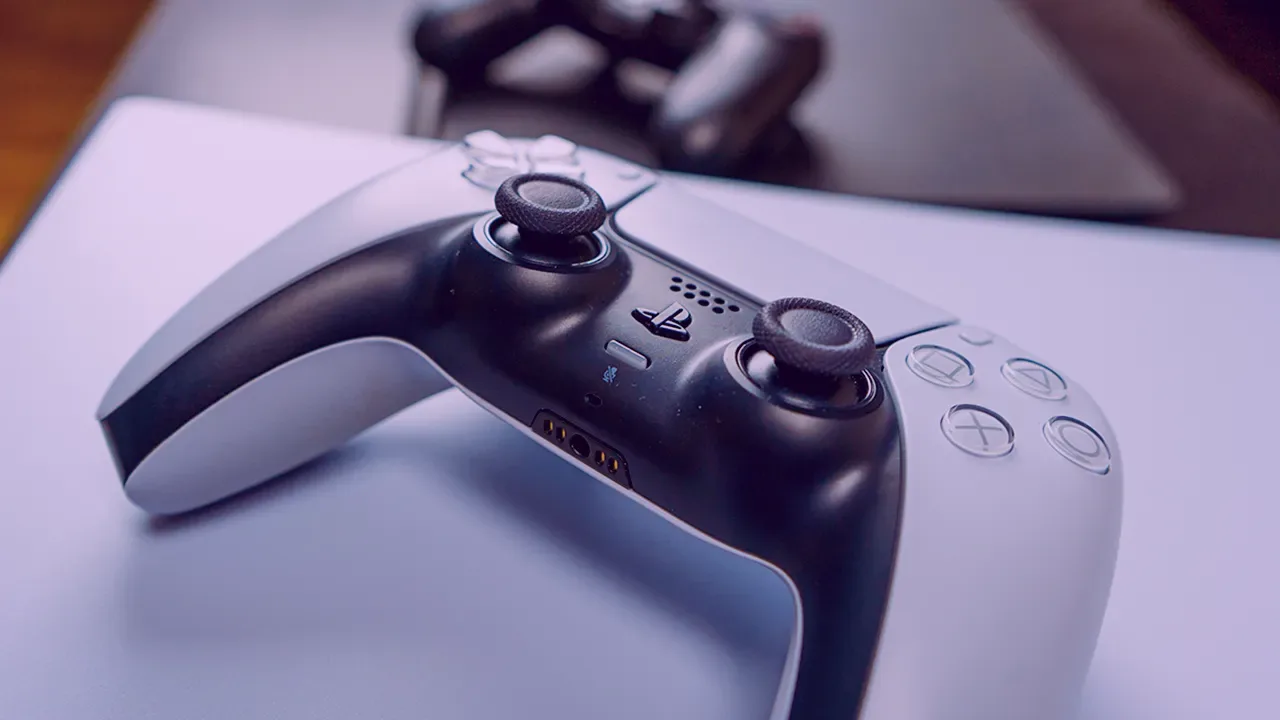
PlayStation 5 game handle DualSense is used a lot by players with its easily accessible keys and ergonomics. Thanks to the connection via Bluetooth and cable, it is possible to play games on the PC with DualSense. Ok then How to connect DualSense to PC?
DualSense PC Connecting Guide
If you have a DualSense game handle, you can use it in games on your PC, even if you don't have a PlayStation 5. In particular, you can choose to play with the game handle instead of using a keyboard mouse to enjoy more story games.
Since the movements you will make with the keyboard and mouse are very sharp, you may not be able to make some fine adjustments. However, thanks to the game handle, you can pass the sections much more easily by making fine movements. It is very advantageous to play racing games not only in stories with stories, but also with the game handle.
You can connect the PS5's DualSense game handle to your computer via Bluetooth and USB cable. If you do not know how to connect it to your computer, the following steps will help you.
How to connect DualSense to PC with USB cable?
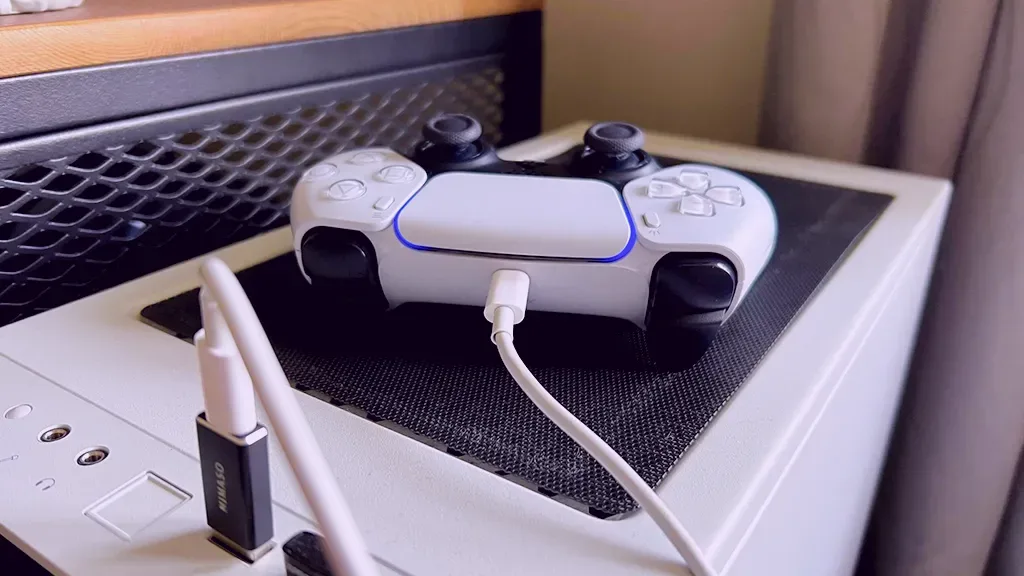
If you want to connect the DualSense game arm to the PC with a cable, you first need a cable with one end of USB Type C and the other with USB Type A. Of course, this may vary depending on the entries on your computer. If your computer has a USB Type C-compatible input, you can also choose the cable with both ends of USB-C.
After connecting one end of the cable to the game issue and the other end to your computer, Windows will detect the device by itself. When this process is completed, you will now be able to play Steam games with DualSense.
You May Also Like: Which Discs Qualify for Xbox Disc-to-Digital, and What Happens If You Sell One?
How to connect DualSense to PC via Bluetooth?
If you don't want to be connected to any cable and want to play the games with pleasure from where you lie down, you can connect the DualSense controller to the PC via Bluetooth.
- First on your computerSettingsopen the " section.
- On the screen that opensBluetooth and devicesClick on the " menu.
- Then "Add DeviceClick " and click the window that appears."bluetooth"Select.
- On the controller for Bluetooth to recognize the DualSense controllerPS"Press the logo and the key at the bottom of the three vertical lines on the upper left side.
- When the blue light is on in the controller, pull your fingers from the keys.
- DualSense PC Bluetooth Wait a while for the connection to be completed.
Result
In this guide How to connect DualSense to PC We answered the question. You can make a perfect connection by following the steps in our content in order. If you encounter a problem, you can specify it in the comments section. For more technology content OyunKonsei.com/Technology/ You can click the link.