
 Add as a preferred source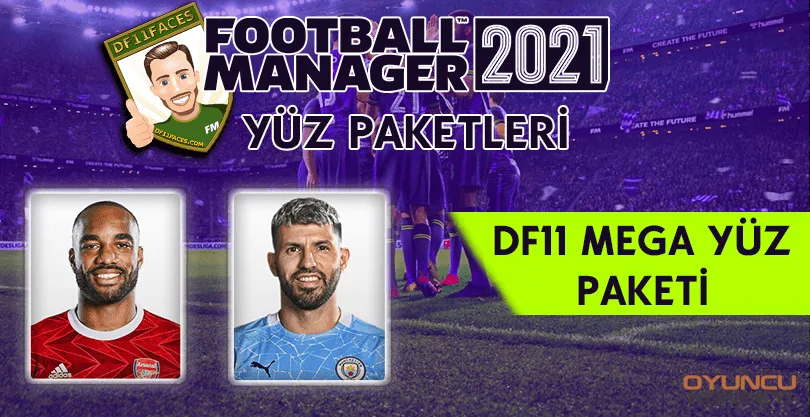
Users who want to play Football Manager 2021 realistically with all the details FM21 Mod Packs they can use. Replacing the portraits of all the players in the game with their exact truth FM21 DF11 Mega Face Pack It helps players a lot in this regard.
What is FM21 DF11 Mega Face Pack?
The DF11 Mega Face Pack is an add-on that replaces the player portraits found in the game developed by a player. This face pack is updated regularly every month. In this way, players can enjoy the game more with the most up-to-date player portraits.
How to Install Football Manager 2021 DF11 Mega Face Pack?
Those who want to increase the pleasure they get from the game can use various mod packages. We can say that the game has set the mod makers free in this regard. The DF11 Mega Face Pack is also a mod pack that increases the gaming experience. well How to Install Football Manager 2021 DF11 Mega Face Pack?
- Firstly df11 mega face pack download Download the face pack to your computer by clicking on the link.
- Extract the downloaded file with the help of The Unarchiver program if you are using Winrar and MacOS if you are using Windows.
- For ease of extracting the files, the file path section you will extract during the extraction,
- windows for "Documents\Sports Interactive\Football Manager 2021\Graphics\DF11 Megapack",
- macOS For "Users\UserName\\Documents\Sports Interactive\Football Manager 2021\Graphics\DF11 Megapack",
- Mac Catalina "Username\Library\Application Support\Sports Interactive\Football Manager 2021\Graphics\DF11 Megapack" Paste the one that suits you and press OK.
- Is it overwritten during copying? If you come across the question, complete the process by pressing the yes button to all of them.
- Run the game normally and go to the interface section from the Preferences section. In the Advanced section, untick the first box and click the other two.
- Click the Reset button in the lower left and clear the cache. After this process, press the Reload Skin button and press the confirm button. FM21 DF11 Mega Face Pack Installation will be completed automatically.
- If you encounter any problems, do not forget to take a backup so as not to lose your registered game.
FM21 DF11 Mega Face Pack Installation And we have given you information about this package. Your thoughts on our article and more Football Manager 2021 Game Guides If you want it to come, you can send it to us in the comments section. You can also get notifications as our content is shared by registering in our free newsletter.
You May Also Like: Age of Empires 4 Chinese Guide