
 Add as a preferred source
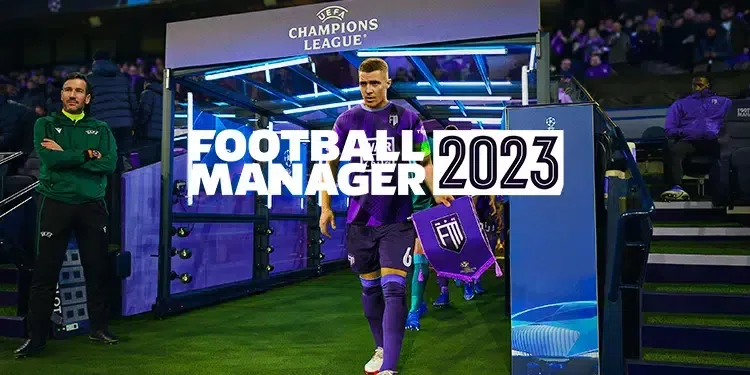
Some of the players who play the Football Manager game series do not like the sounds in the game. FM 2023 Realistic Game Sounds Patch Thanks to this, many sounds in the game can be brought closer to the reality. In our content, we also tell you how to install this sound patch.
What is FM 2023 Realistic Game Sounds Patch?
Although the FM series are made much better every time, we can say that the sounds of the game are a bit problematic. Although it can offer players a pleasant and team management simulation in many ways, it may be missing in some ways. At the points where the game is missing, the players step in and make the game more playable. There are a lot of mod packs prepared for Football Manager 2023, but the game's audio files are changed. FM 2023 Realistic Game Sounds patch It can offer a pleasant game environment to the players.
What does FM 2023 Realistic Game Sounds patch do?
With this patch pack, you can integrate the following changes into the game. Don't forget to make a backup of your old game files before installing this patch pack, where you can change the game sounds.
- In the testing phase: match narration has been added. (in English)
- Dead sound files that do not trigger any sound have been removed.
- European competition music has not been changed.
- The number of sounds triggered for each move of a player has been reproduced.
- There was a revision and improvement on how the sounds would come into play in the game.
- Added sound triggers for new situations.
- Added variety of comments.
- Anthems, tribune compositions and songs triggered in crowded atmospheres were added.
- Added new stadium sounds. (such as announcer, substitution announcements and additional time)
- Added sounds for VAR.
- Goal music added.
- Responses to goals, hat-trick reactions and return responses were added.
- All sounds were balanced.
How to install FM 2023 Realistic Game Sounds Patch?
You can make a smooth installation by following the steps below in order. Unlike other mod packages, you need to install the Resource Archiver program. Thus, you can convert the audio files you will make changes to .fmf format.
- Firstly Fm 2023 sound patch download Download it to your computer by clicking the link.
- Create a new folder on your desktop called OLD.
- Run the Resource Archiver program and press the Extract Archive button from the bottom right. From the window that opens, open the Steam folder where the game is installed and enter the data folder.
- Select "SiMatchViewer-PC" here and press LOAD. Then select the OLD folder you created on the desktop and press the Select button. Completion of this process may vary depending on the speed of your computer.
- After the process in the previous step is completed, press the Extract Archive button again and this time select the "Simatch" file and do the same. After this process is completed, create a copy of the OLD file.
- Extract the downloaded audio patch to the desktop. Open the Simatch folder in the sound patch you extracted and event Put the named file in the Simatch folder inside the OLD folder. After the process is complete, copy the Audio folder in the SimatchViewer-PC folder in the sound patch and put it in the SimatchViewer-PC folder inside the old folder, which is also the copy.
- After changing your audio files, we can make them with .fmf extension. Click the Create Archive button from Resource Archiver. In the small window that opens, click on the desktop and select the SimatchViewer-PC folder in the Copy OLD file. Then select the desktop again as the file location to be saved and press the Save key. This process can take a very long time.
- Do the same for the Simatch folder as well. If you have done all the operations correctly, two different files will be created on your desktop called "Simatch.fmf" and "SimatchViewer-Pc.fmf". Put these two files in the data folder in the Steam file where the game is installed.
Now you can play the game with much more realistic sounds. FM 2023 Realistic Game Sounds Patch If you have a problem during installation, please specify in the comments section. Since the installation of this patch is a little more complicated than others, you should not skip a single step. More Game Guides You can browse the relevant category for.
You May Also Like: What Is a Valorant Badge and How Do You Get One?